Underdesk Keyboard Trays & Drawers

Keyboard Trays

A keyboard tray is ideal for shorter people as it can lower your keyboard and mouse down to elbow height, enabling your shoulders to relax while you type. Desks can be too high for comfortable typing. Our range includes under-desk trays that slide away when you're finished, and wall-mounted arms for rooms without a desk. Not sure which fits your desk? Call us on 03 9888 6677.


Which keyboard tray is right for you?

Model Type Adjustment Tray size Price range Best for
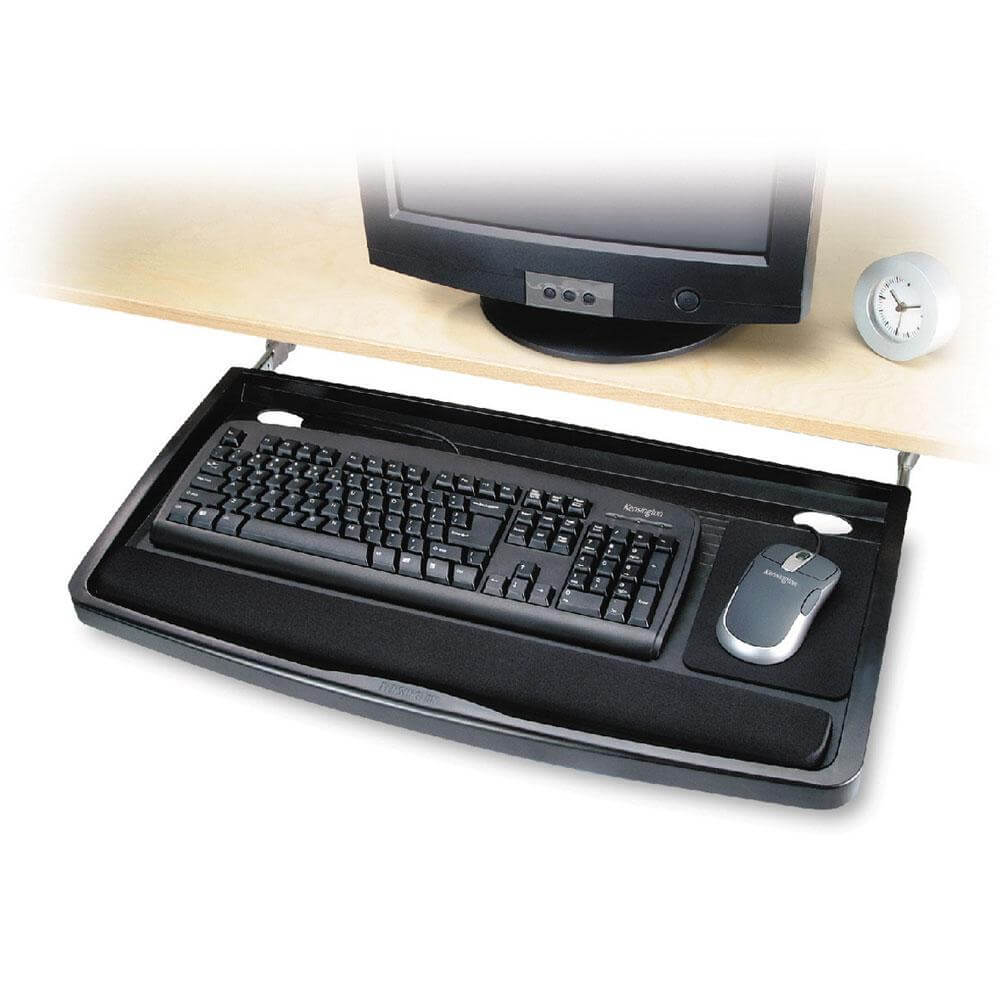
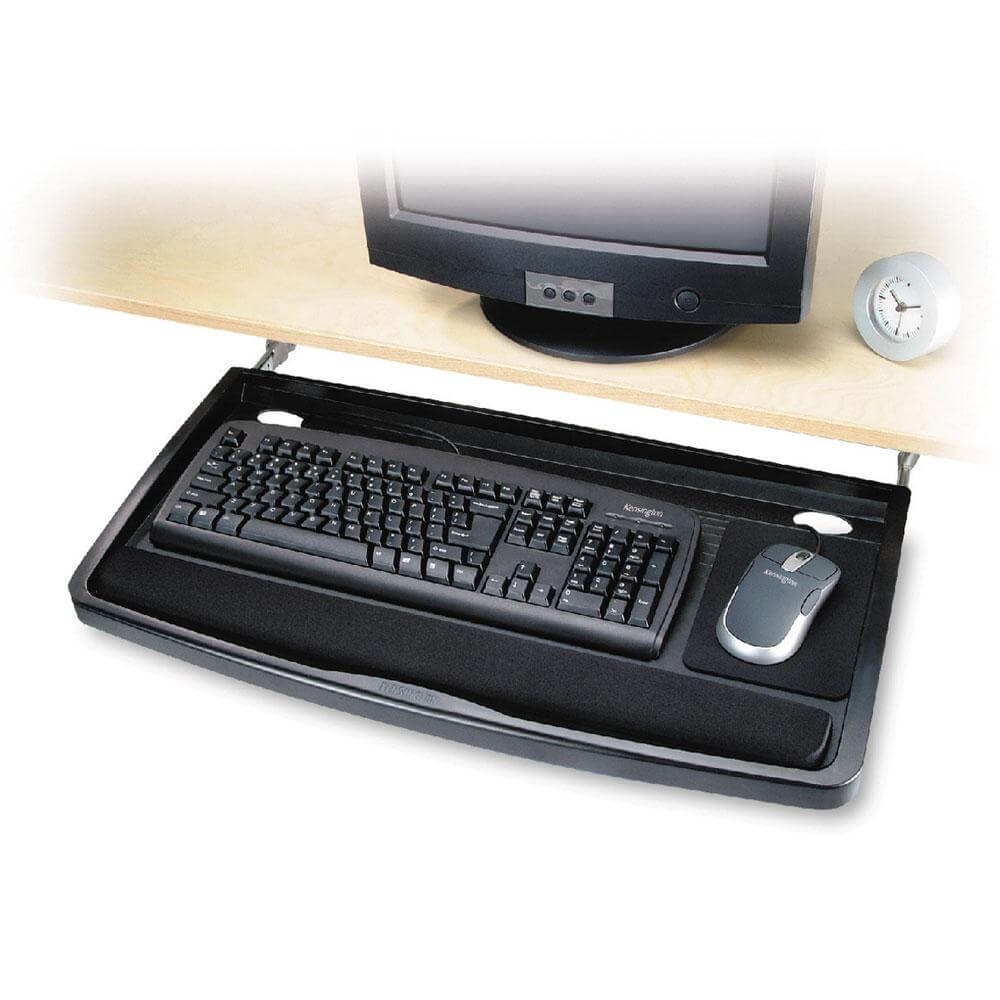
Kensington Underdesk Comfort Drawer Under-desk drawer 3 fixed heights (51, 64 or 102 mm below the desk) 66 cm wide, mouse area and wrist rest included Budget A simple, low-cost drawer
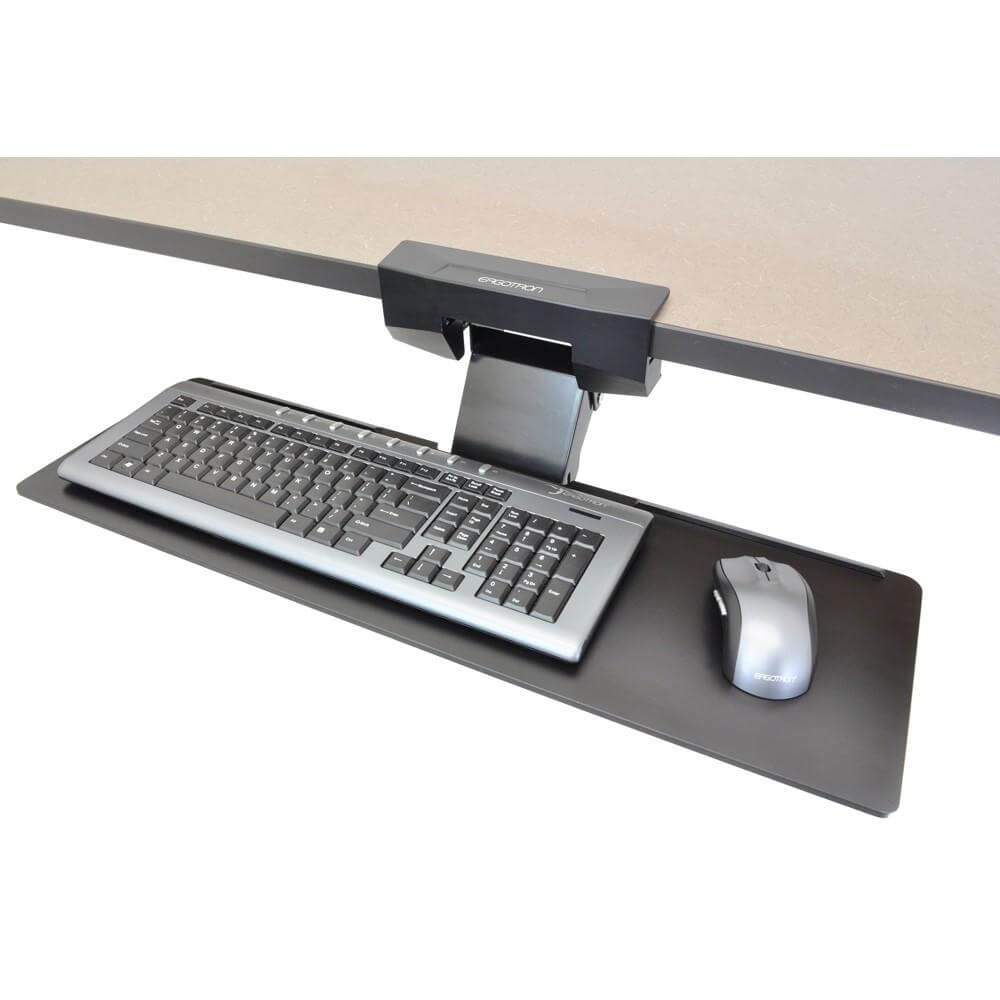
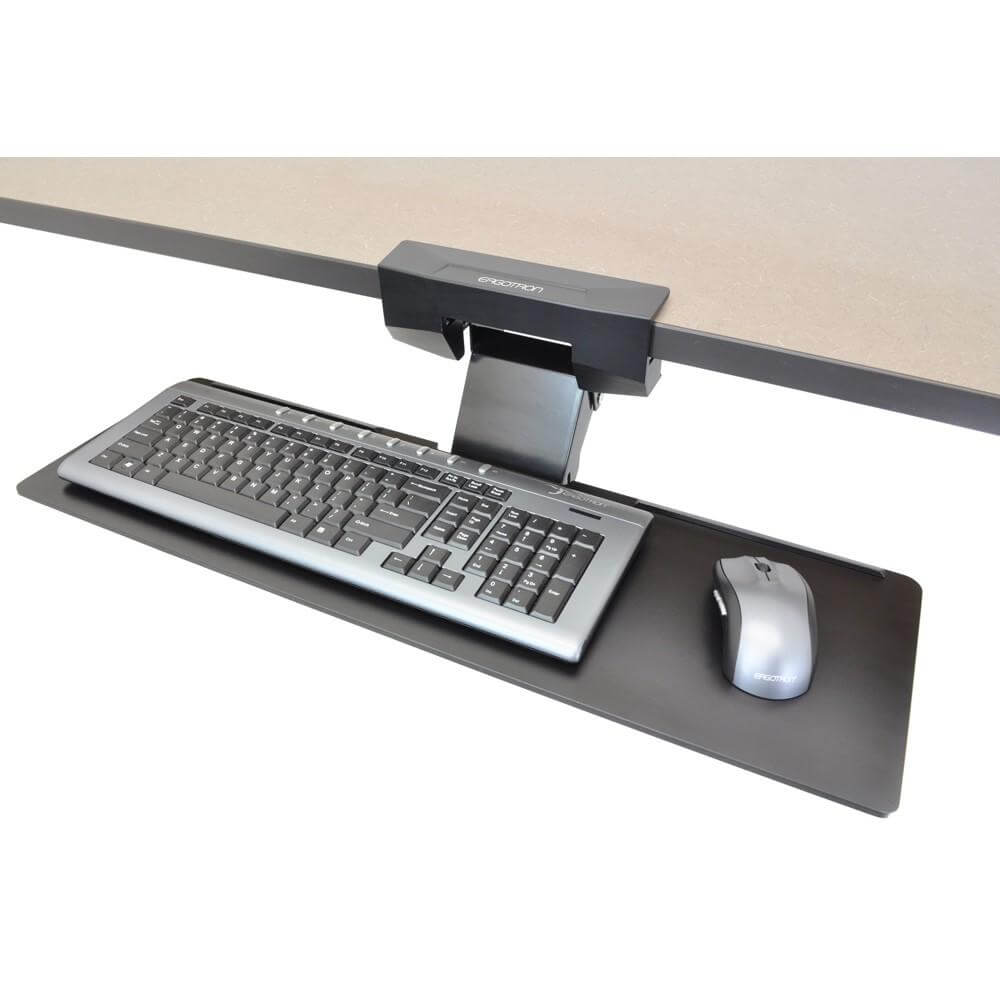
Ergotron Neo-Flex Underdesk Arm Under-desk arm 150 mm lift, 15° tilt, 273 mm extension 68 cm wide Mid-range Fine-tuning height and tilt, clamps to desks 19 to 38 mm thick
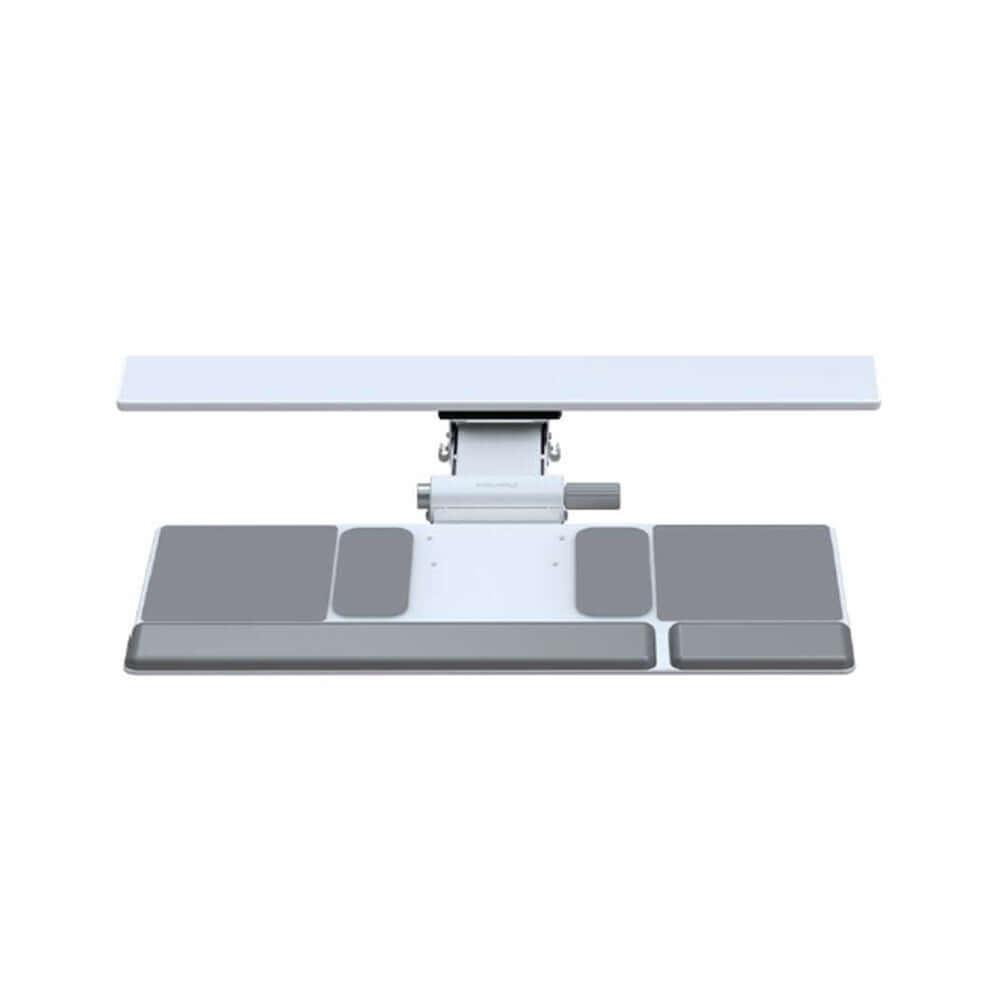
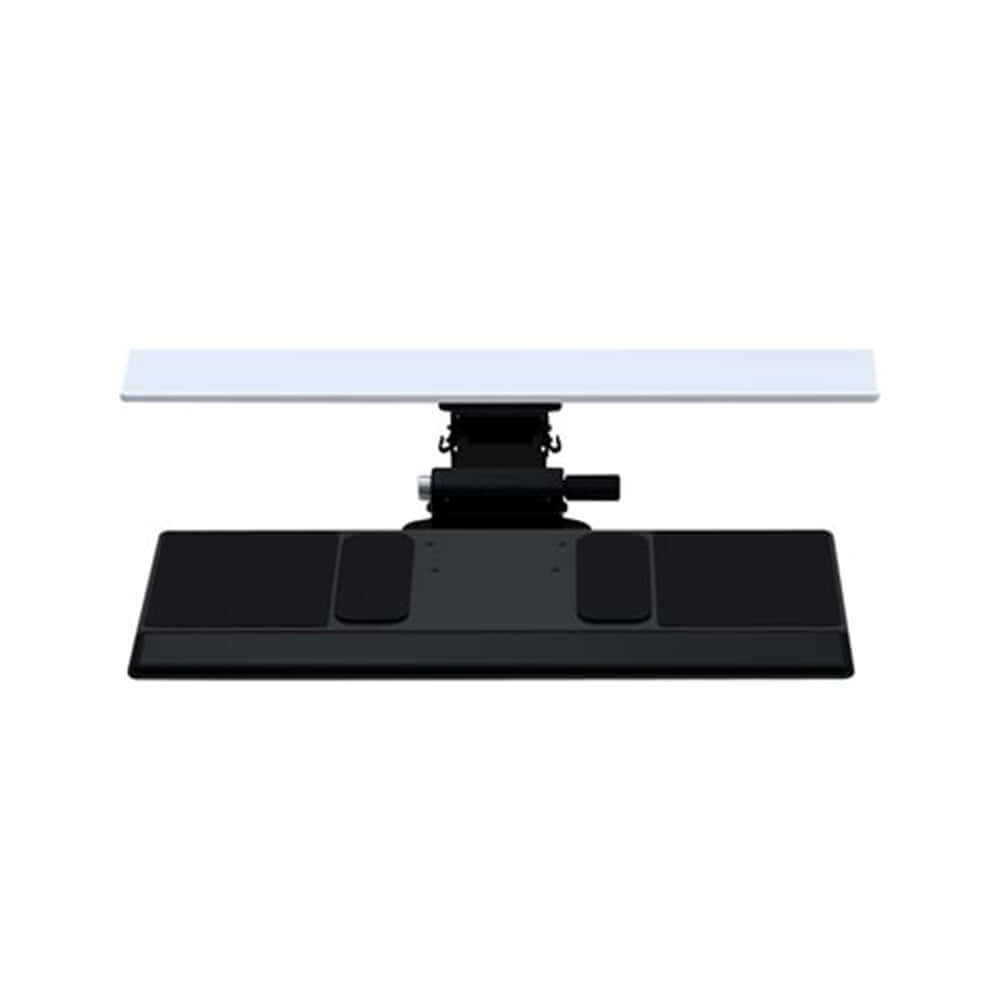
Humanscale 6G Big Platform Under-desk arm on a 22-inch track Lever-free height, 0 to −15° negative tilt 68.6 cm wide, gel palm support Premium All-day typing with a negative tilt
Ergotron LX Pro Wall Mount Wall-mounted arm Height, extension, folds to the wall Keyboard and mouse tray Mid-range Clearing a desk completely
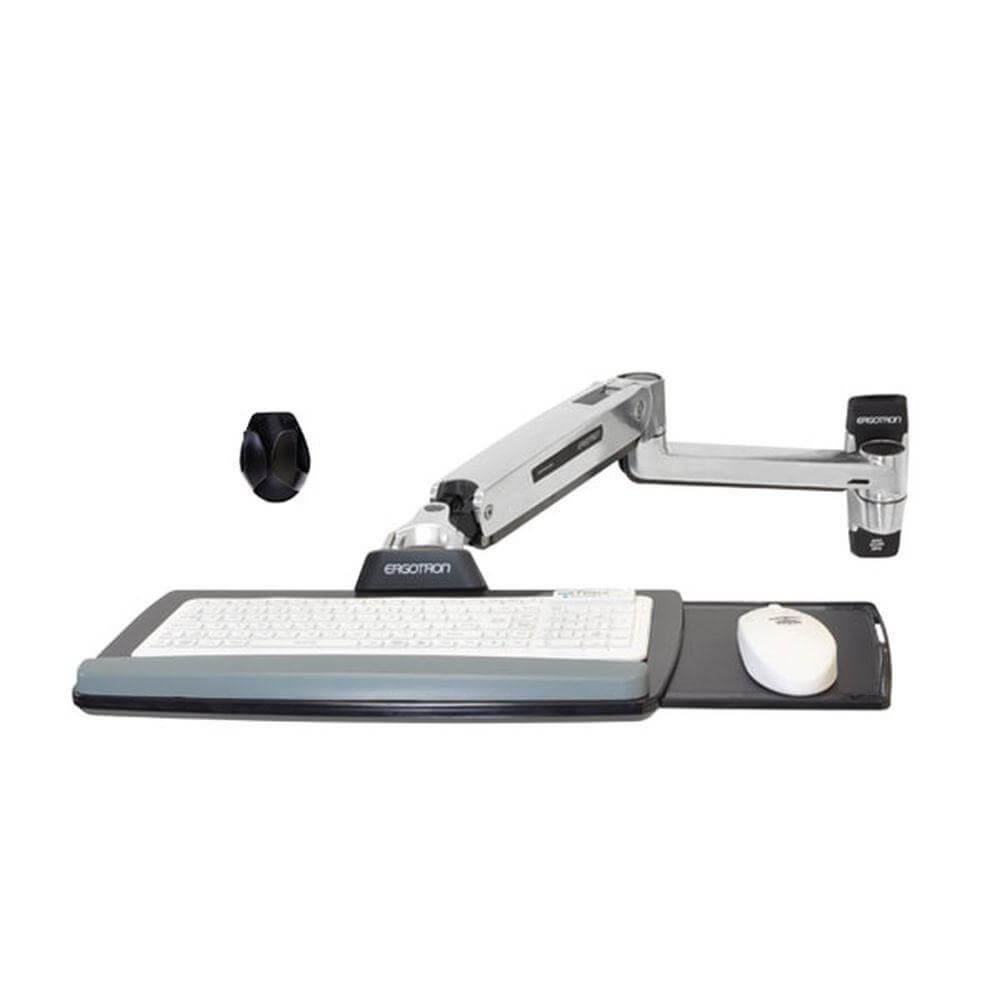
Ergotron LX Wall Mount Keyboard Arm Wall-mounted arm 33 cm height, extends 89 cm, back tilt Keyboard tray with slide-out mouse tray Premium Pairing with a wall-mounted screen
Ergotron LX Sit-Stand Wall Mount Wall-mounted arm 51 cm height, extends 107 cm, back tilt Keyboard tray with slide-out mouse tray Premium Sitting and standing at a wall workstation

How to choose a keyboard tray

  1. Measure the space under your desk. Under-desk trays need clear space behind the front edge. The Humanscale 6G needs 56 cm of clear underside for its track, and the Neo-Flex clamps to desktops 19 to 38 mm thick.
  2. Decide how much adjustment you need. A drawer like the Kensington sets the keyboard at one of three heights. An arm like the Neo-Flex or Humanscale 6G lets you change height and tilt at any time, which suits shared desks.
  3. Look for negative tilt. Tilting the back of the keyboard slightly down keeps your wrists straight. The Humanscale 6G tilts down to −15°, and the Neo-Flex and LX arms tilt back.
  4. Make room for the mouse. Keep the mouse at the same level as the keyboard. The Kensington, Humanscale and LX models all have space or a slide-out tray for it.
  5. No desk? Use a wall arm. The LX wall arms suit hospital rooms, labs and workshops, and fold back out of the way.

Frequently Asked Questions

Are keyboard trays good for ergonomics?

Yes, if your desk is too high for you. A tray lets you type with relaxed shoulders and elbows at about 90 degrees, without raising your chair so high that your feet leave the floor.

Will a keyboard tray fit my desk?

Check the clear space under the desk and its thickness. Desks with a drawer, modesty panel or frame rail close to the front edge may need a shorter track or a different model. Call us if you're unsure.

Can I use a keyboard tray with a sit-stand desk?

Yes. The tray moves up and down with the desk. Check there's enough clearance under the desk at its lowest height.

Do I still need a footrest?

If you raised your chair to reach the desk before, you may not once the keyboard is lower. If your feet still don't rest flat, see our footrests.

x