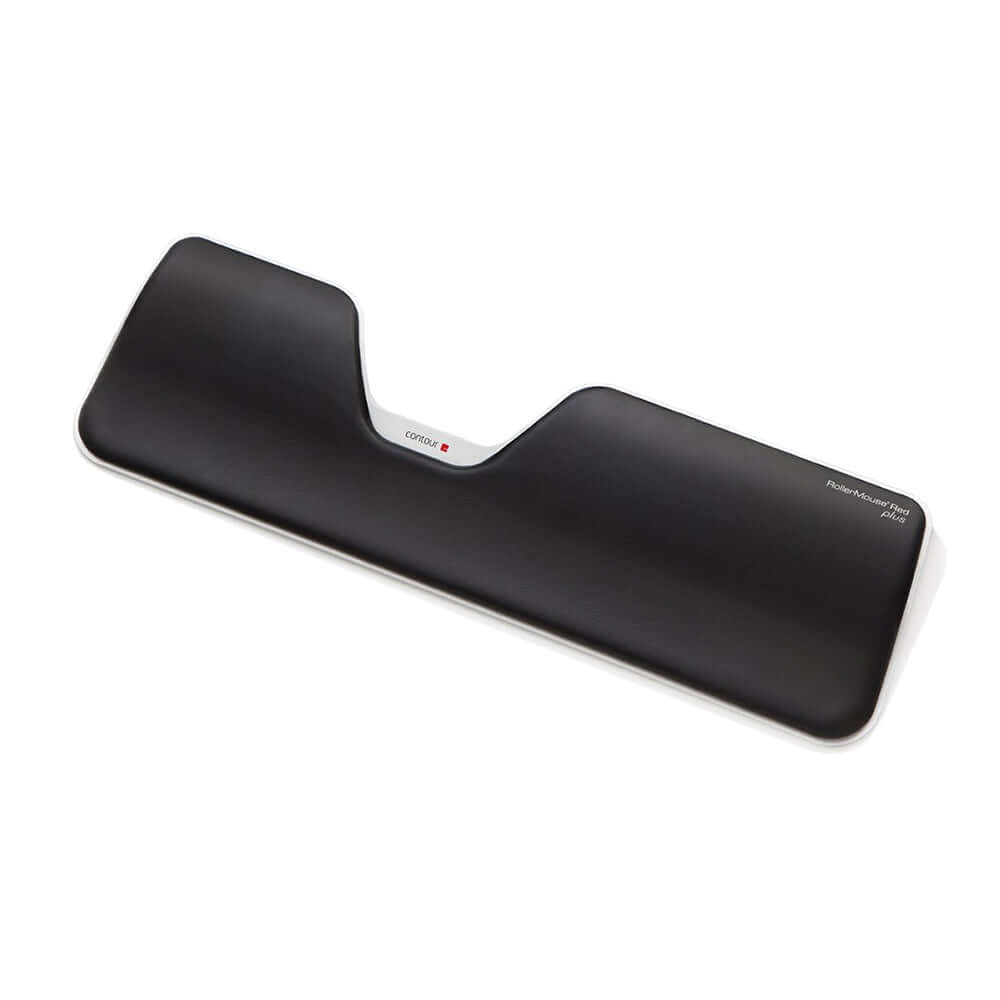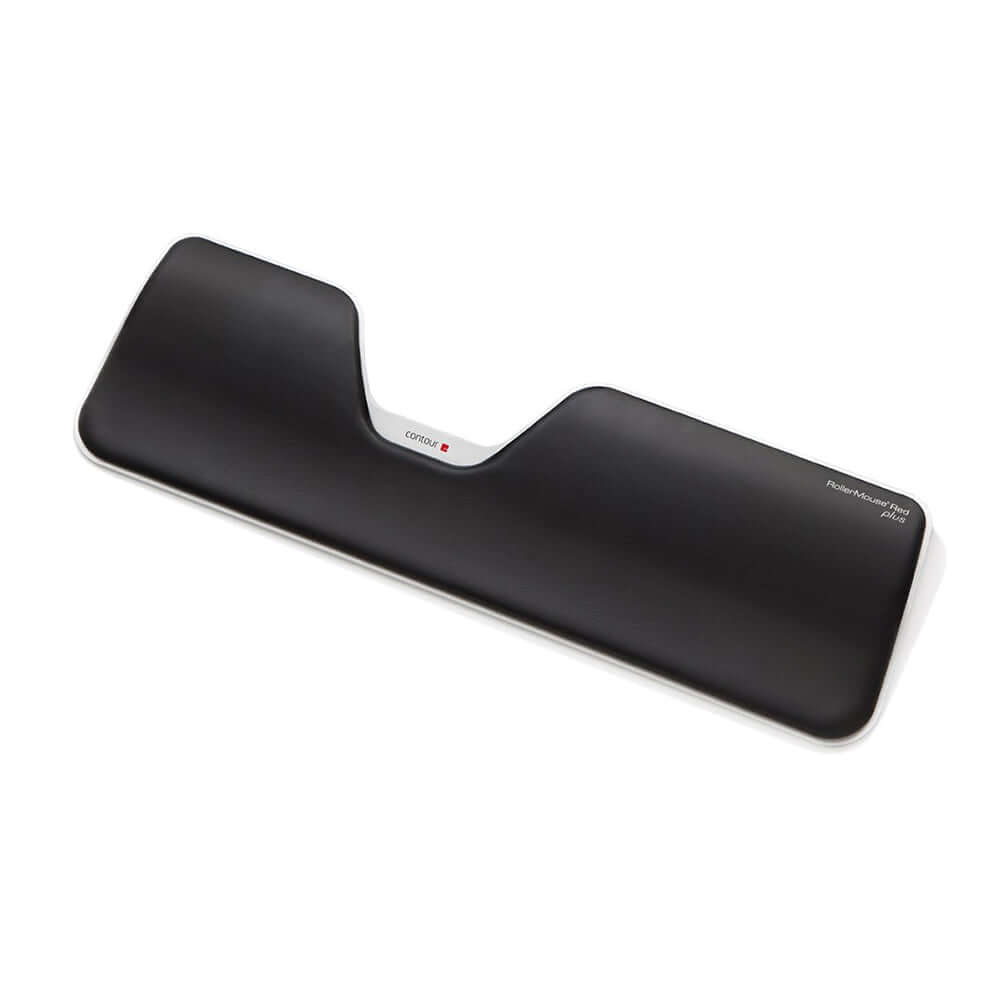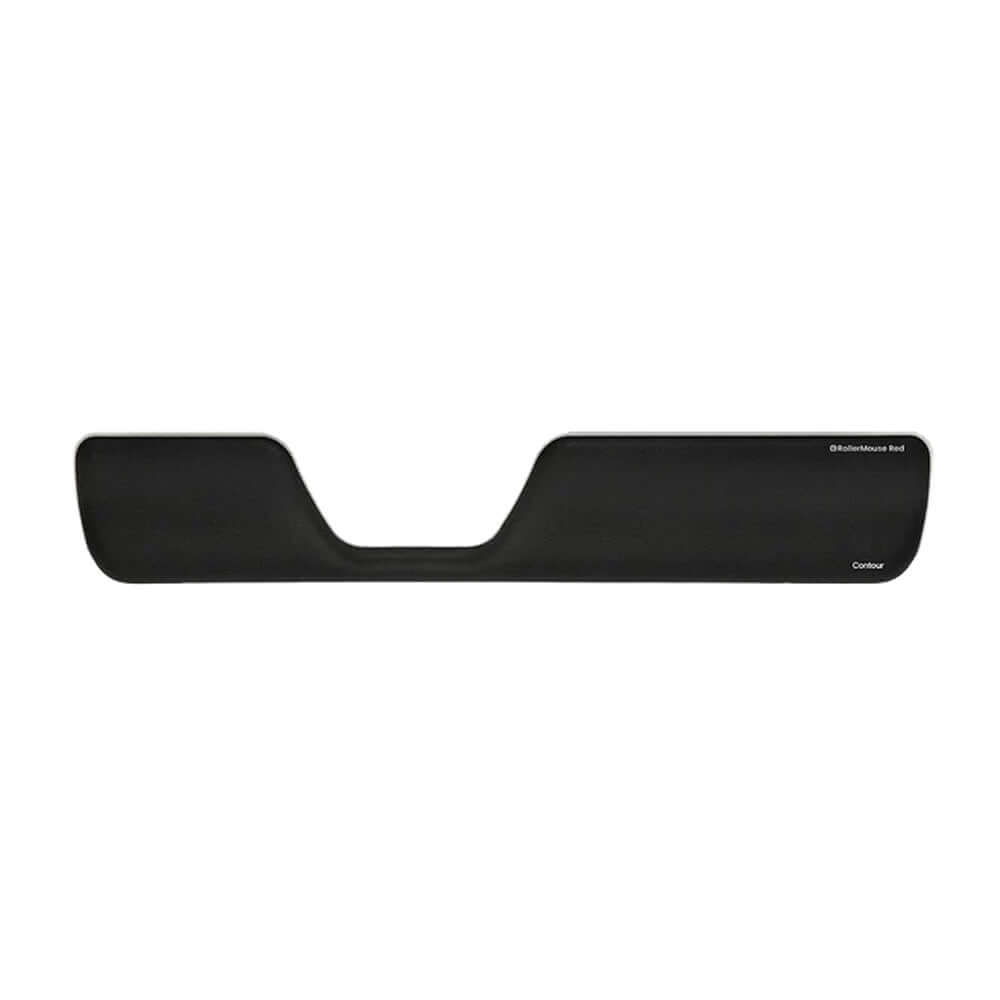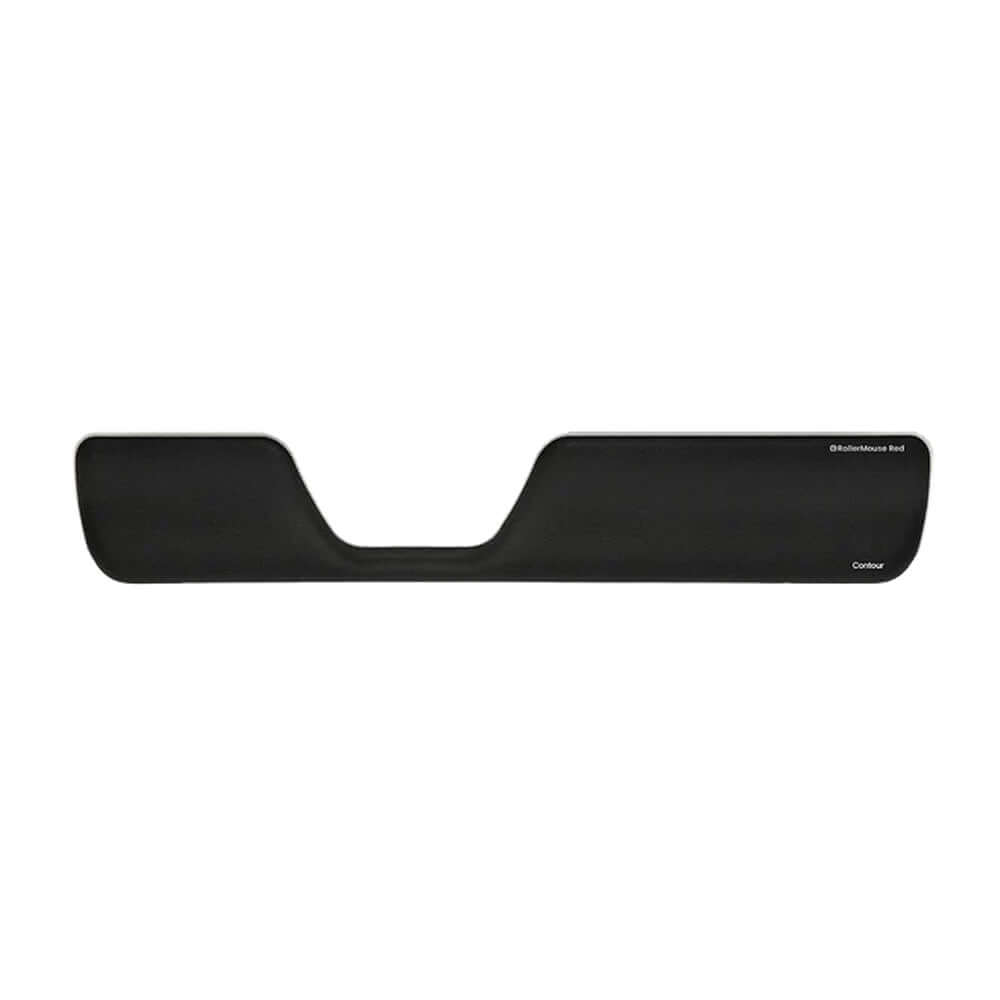
A RollerMouse sits in front of your keyboard, so you move the cursor with a roller bar under your fingertips instead of reaching out to the side for a mouse. Keeping your arms close in front of you takes the strain off your shoulder, neck and wrist, and either hand can use it. Not sure which model suits your keyboard? Call us on 03 9888 6677.
Free
The Contour RollerMouse Pro3 is an ergonomic mouse designed for tasks with repetitive mouse use....
Free
A rollerbar mouse for people who want to stop reaching for a mouse, at a...
Free
Contour's top RollerMouse, for people who get shoulder or arm pain from reaching out to...
Free
An extended palm support for the RollerMouse Red, for anyone who wants more room to...
Free
A replacement for the standard padded palm rest on the RollerMouse Red, for when yours...
Free
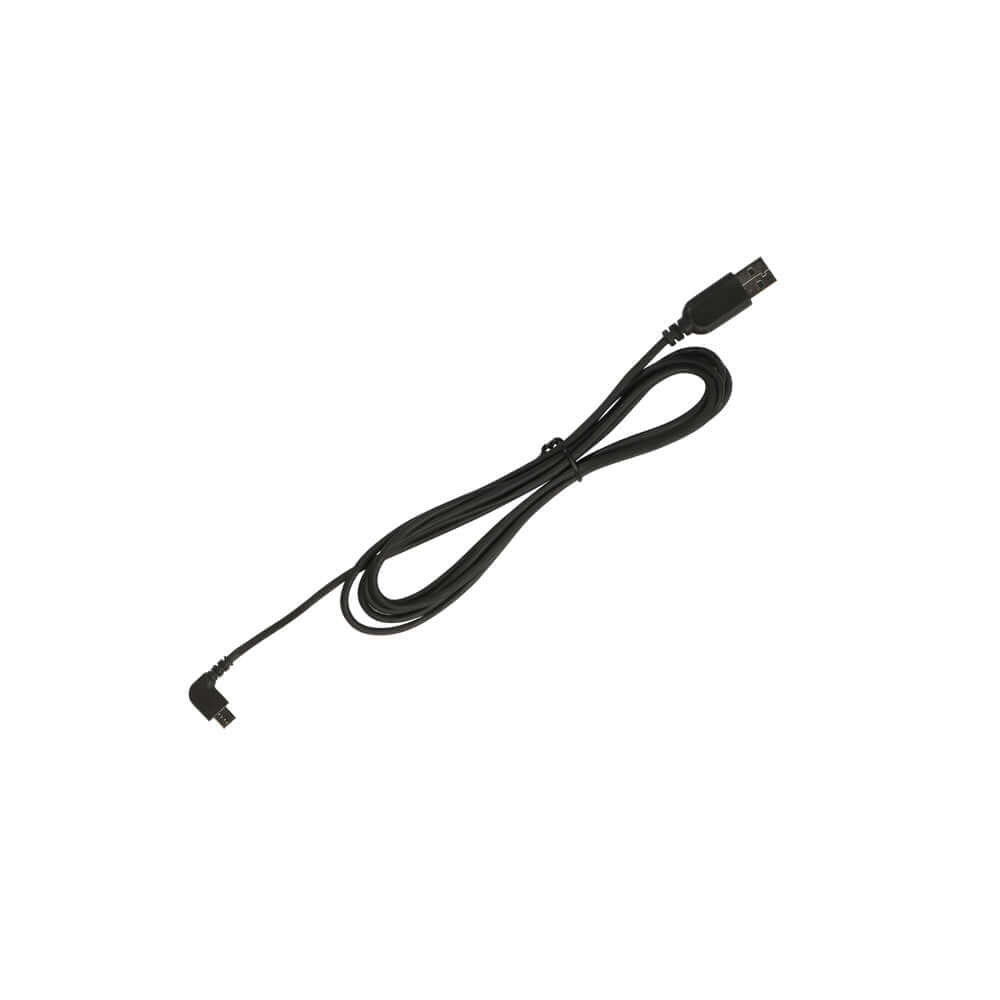
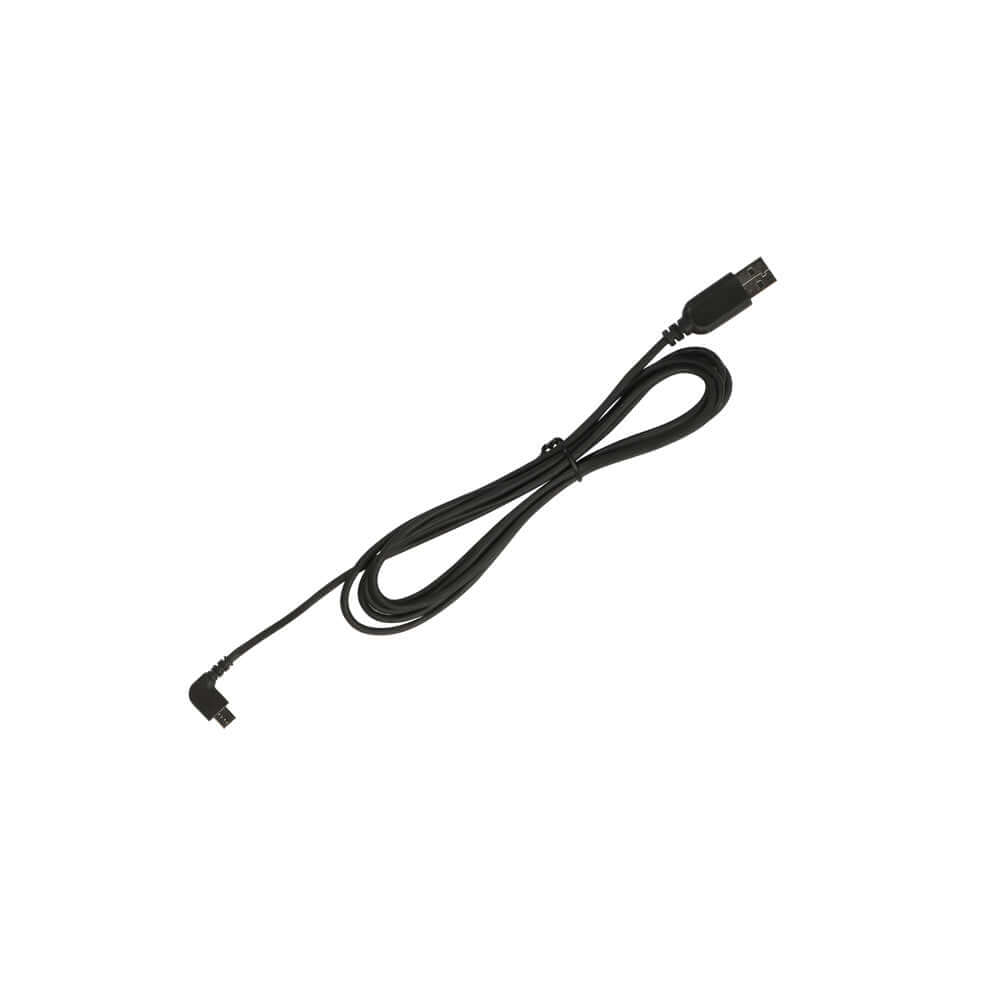
charging cable for your RollerMouse Red or Red+. This cable is a USB-A to Micro...
Free
Clamp-on forearm supports for people whose shoulders and neck tense up during long hours at...
Free
An extended palm support for the RollerMouse Pro3, for people with larger hands and longer...
| Model | Connection | Keyboard it suits | Cursor speeds | Price range |
|---|---|---|---|---|
| Contour RollerMouse Pro3 | Wired | Standard and full-size keyboards | 10 speeds, 600 to 2400 dpi | Premium |
| Contour RollerMouse Free3 | Wired or wireless | Compact keyboards and laptops; pairs with the Contour Balance Keyboard | 10 speeds, 600 to 2800 dpi | Premium |
| Contour RollerMouse Red | Wired or wireless | Compact keyboards; pairs with the Contour Balance Keyboard | – | Premium |
Most people are comfortable within a few days. Start with everyday tasks and keep your old mouse nearby for the first week.
Yes. The Free3 and Red suit laptops and compact keyboards. Put the laptop on a stand and use a separate keyboard so the screen is at eye level.
Yes. The RollerMouse works with Windows and Mac without installing drivers.