Monitor Arms: Single, Dual and Multi-Screen Mounts
Our flexible range of monitor arms helps you achieve optimal ergonomics with practical options for every setup, including arms that carry dual or multiple monitors. Mount to the desk, wall or ceiling, and push the screen out of the way to free up desk space when you need it.
For Heavy Screens and Industrial Setups
Alongside office monitor arms, the range covers heavy duty and industrial monitor mount options for workshop and control-room screens. Need the screen raised rather than articulated? See the monitor stands and risers range.
Frequently Asked Questions
Choosing a Monitor Arm
What weight capacity do I need?
Add up your screen's weight and leave headroom. Arms in this range carry from 8 kg (Atdec Single Articulated, Vader Single) through 9 kg (Ollin, Flo) to 12 kg (Humanscale M8.1) and up to 18 kg for heavy screens (Flo X). Ultrawide and large displays need the higher end of that range.
How far should an arm reach?
Reach decides how far you can pull the screen toward you and push it aside. Typical figures: C.ME single arm extends 430 mm (740 mm with the long pole option), Flo reaches 515 mm, Ollin 674 mm. Deeper desks need longer reach to centre the screen.
Which mounting option suits my desk?
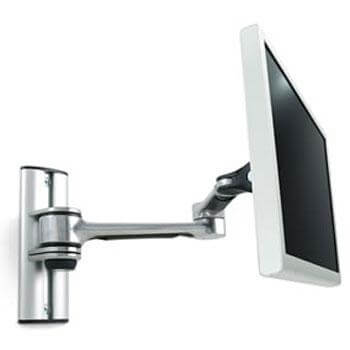
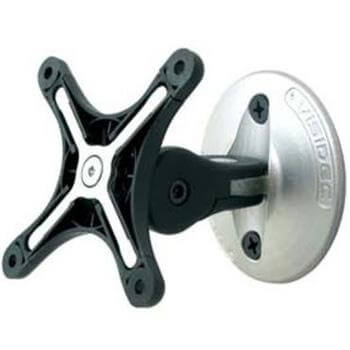
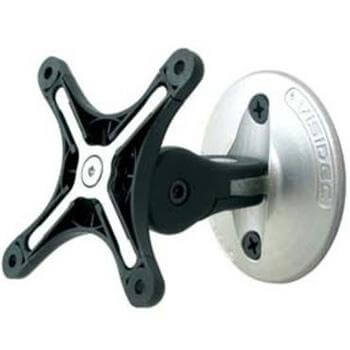
Desk clamp suits most desks from 10 to 60 mm thick; bolt-through needs a drilled hole but is the tidiest; wall mounts (Atdec full-motion and swivel) free the desk entirely; ceiling mounts suit projecting screens. All four options are in this range, and the C.ME ClampMount covers both clamp and bolt-through.
Can a monitor arm hold two or three screens?
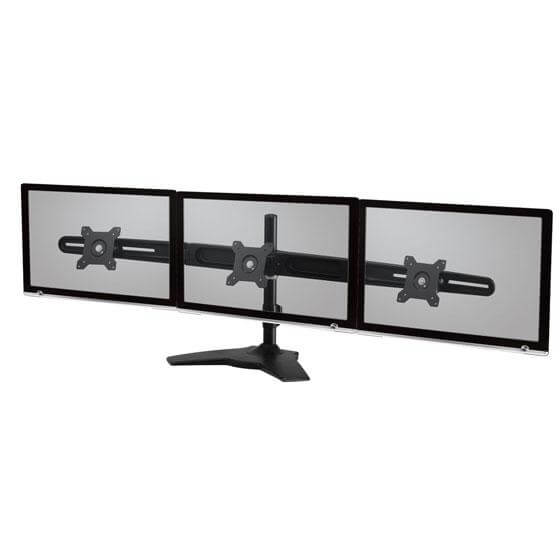
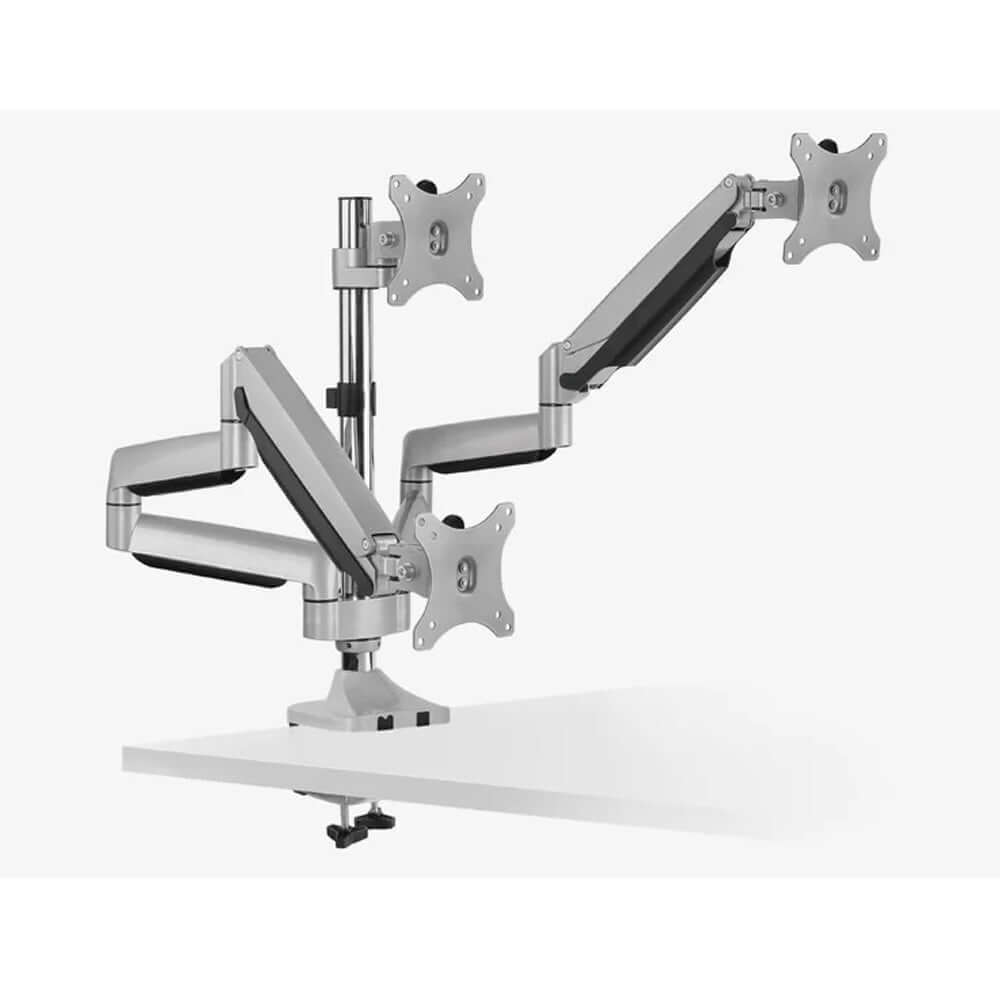
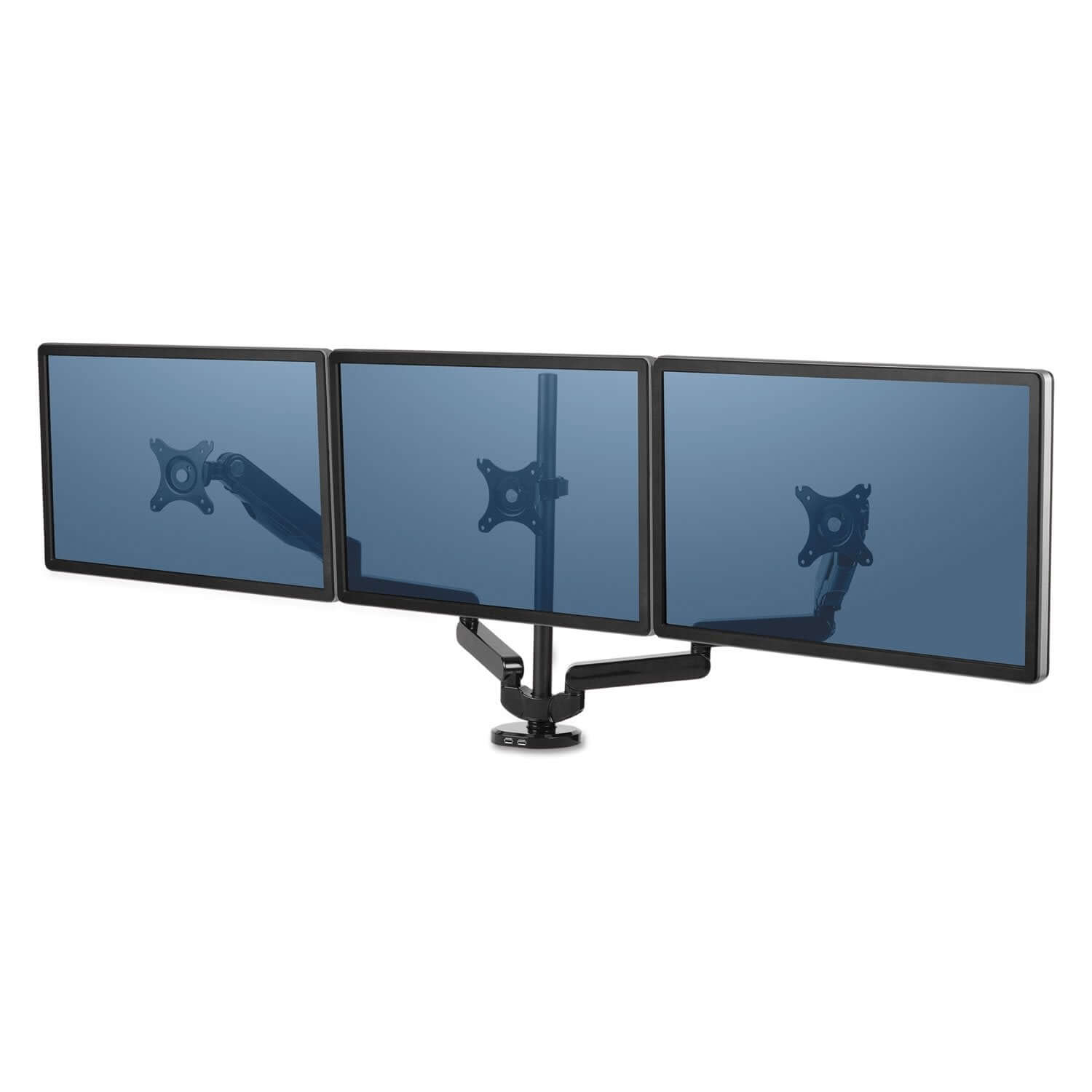
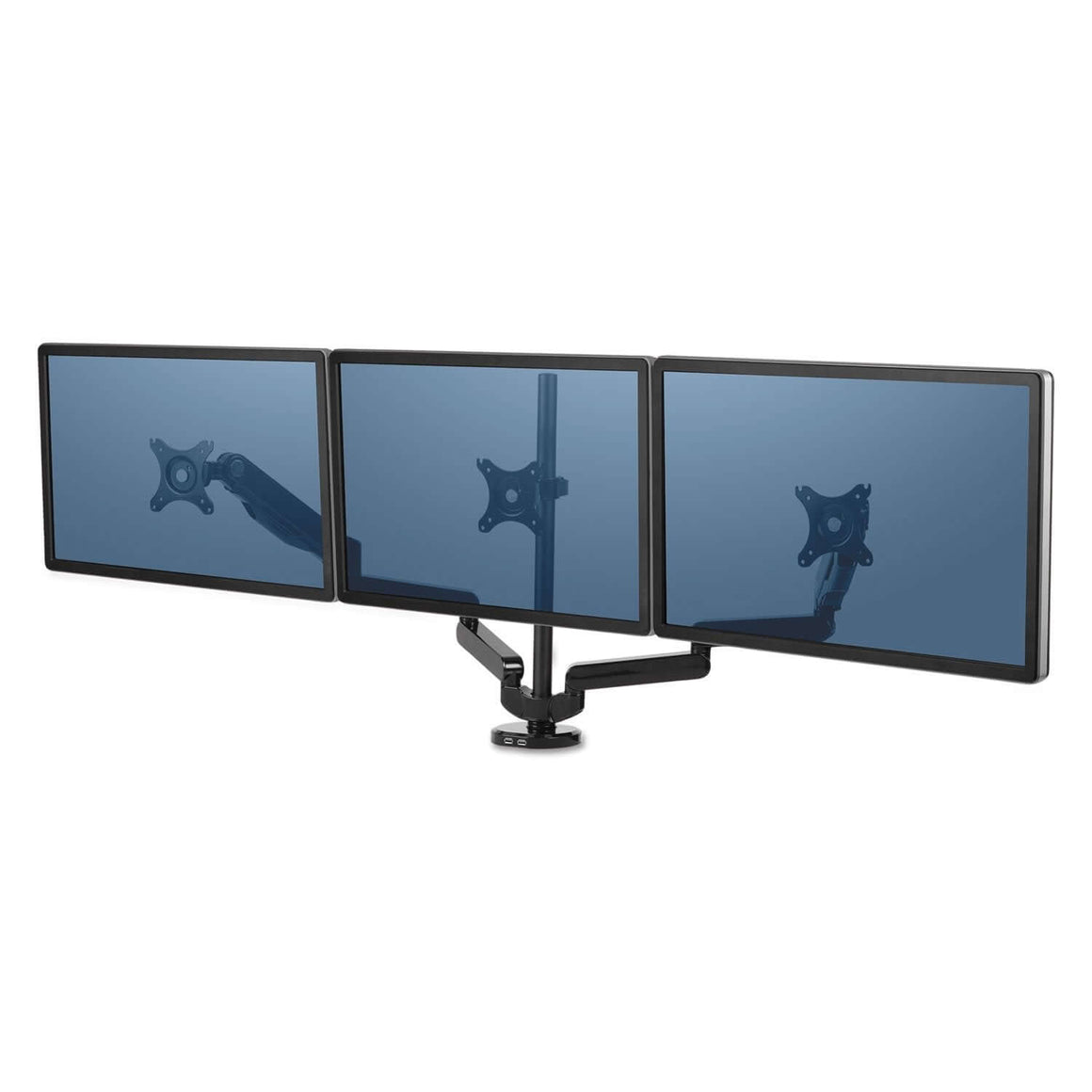
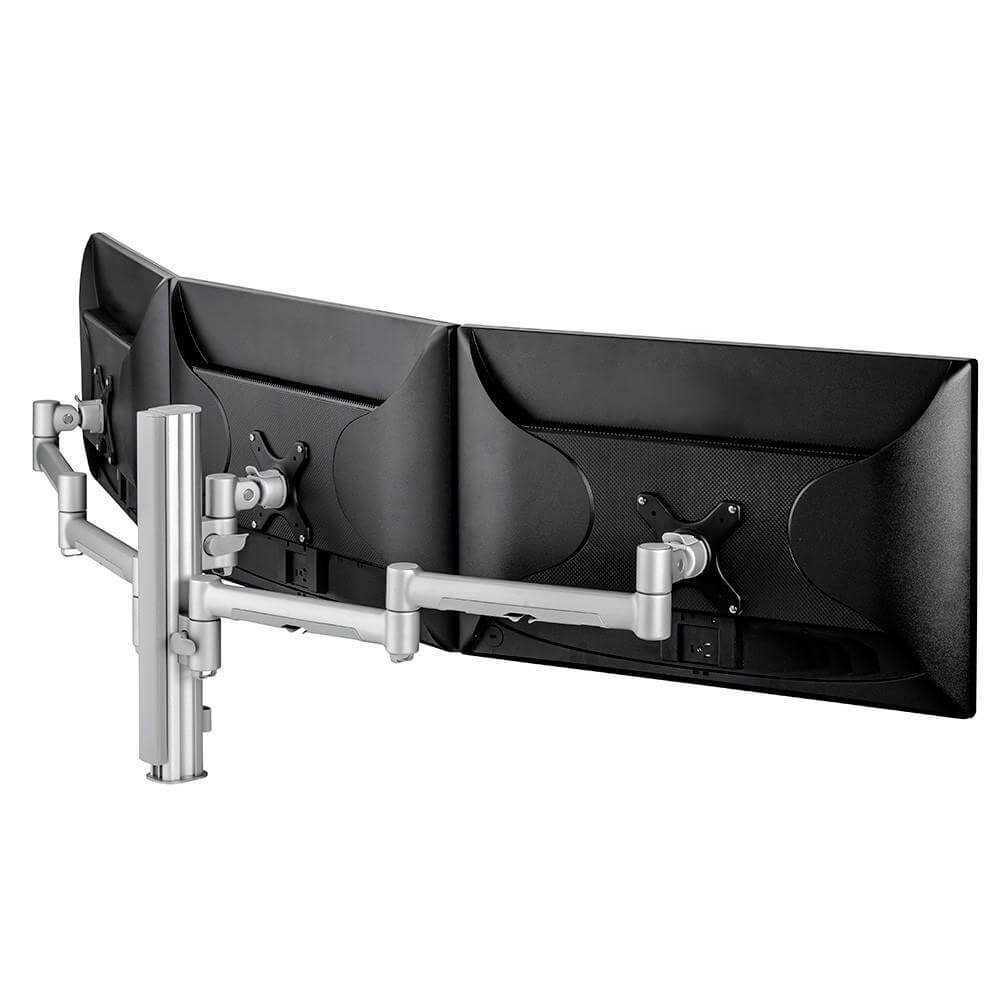
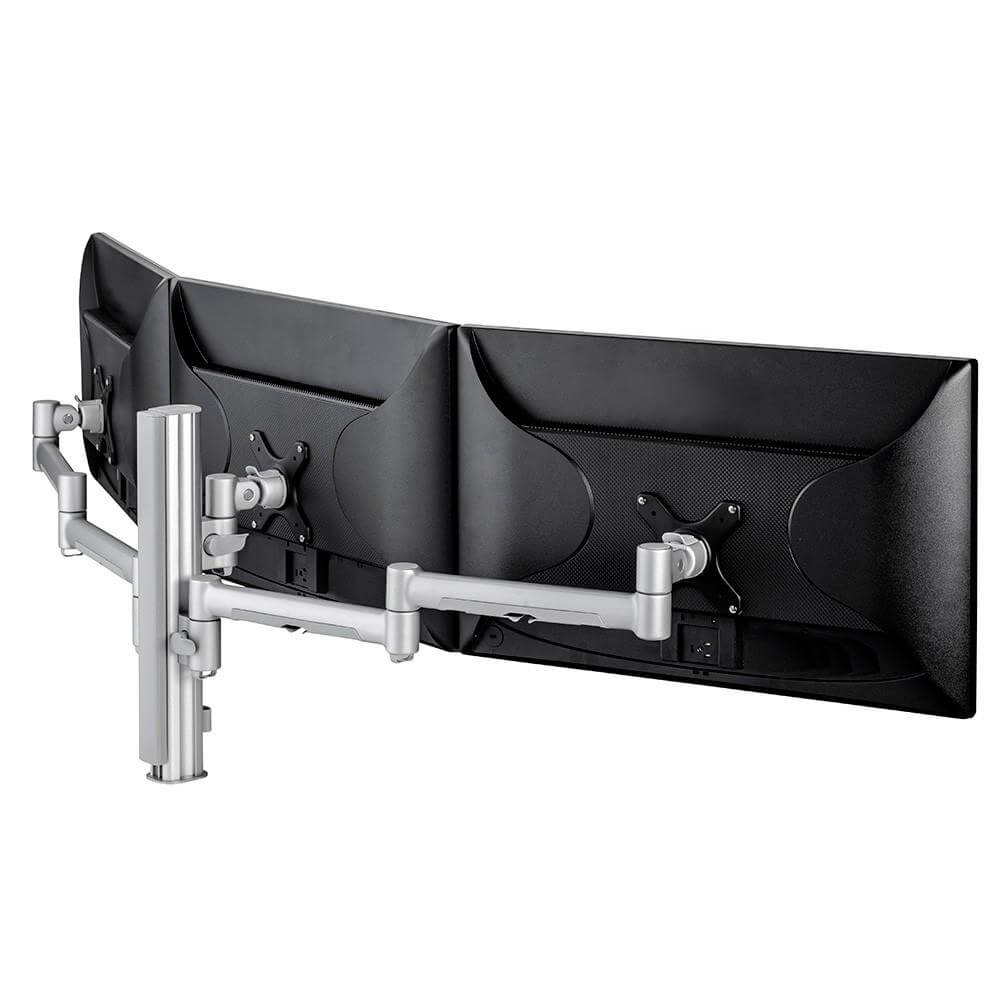
Yes. The range includes arms for single, dual and multiple monitors. Check each product page for the screen capacity and compatibility of that model.
How can a monitor arm be mounted?
The collection includes monitor arms that can be fastened to a desk, wall or ceiling. Check the individual product details to confirm the mounting options for the model you are considering.
What is the difference between a monitor arm and a monitor stand?
A monitor arm lets you position and move a screen, and can be pushed out of the way to free desk space. A monitor stand or riser lifts the screen to a higher viewing position. See the monitor stands and risers range.
Can I mount a laptop or tablet on a monitor arm?
Yes. The laptop and tablet arms range uses the same clamp and grommet mounting as screen arms, with a tray or cradle in place of the VESA plate.
If your setup runs four or six displays, see the quad monitor arms and hex monitor arms for six screens.