Ergonomic Mice

Ergonomic Mouse

An ergonomic mouse keeps your hand, wrist and forearm in a more relaxed position than a standard flat mouse, which helps if you use a mouse for hours a day. We stock vertical mice, trackballs, roller bar mice that sit in front of the keyboard, and supported-hand mice like the Handshoe, in left- and right-handed and different hand sizes. Not sure which type suits you? Call us on 03 9888 6677.


Which type of ergonomic mouse is right for you?

Type How it works Good for Examples Price range
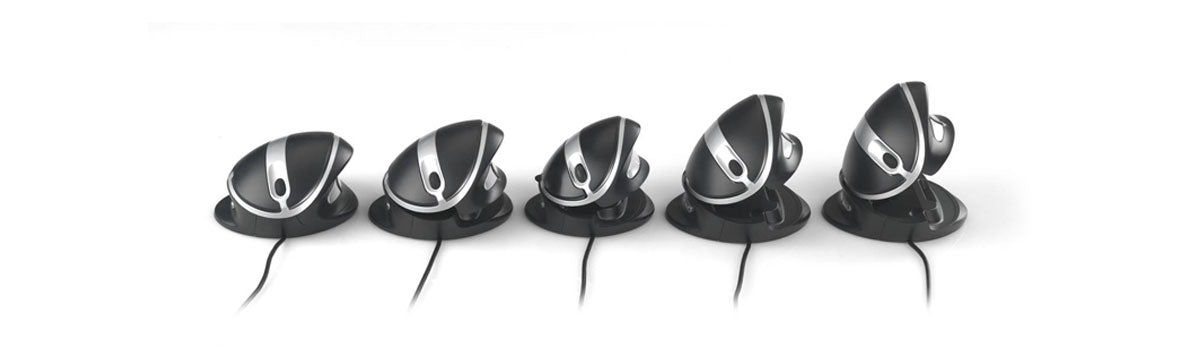
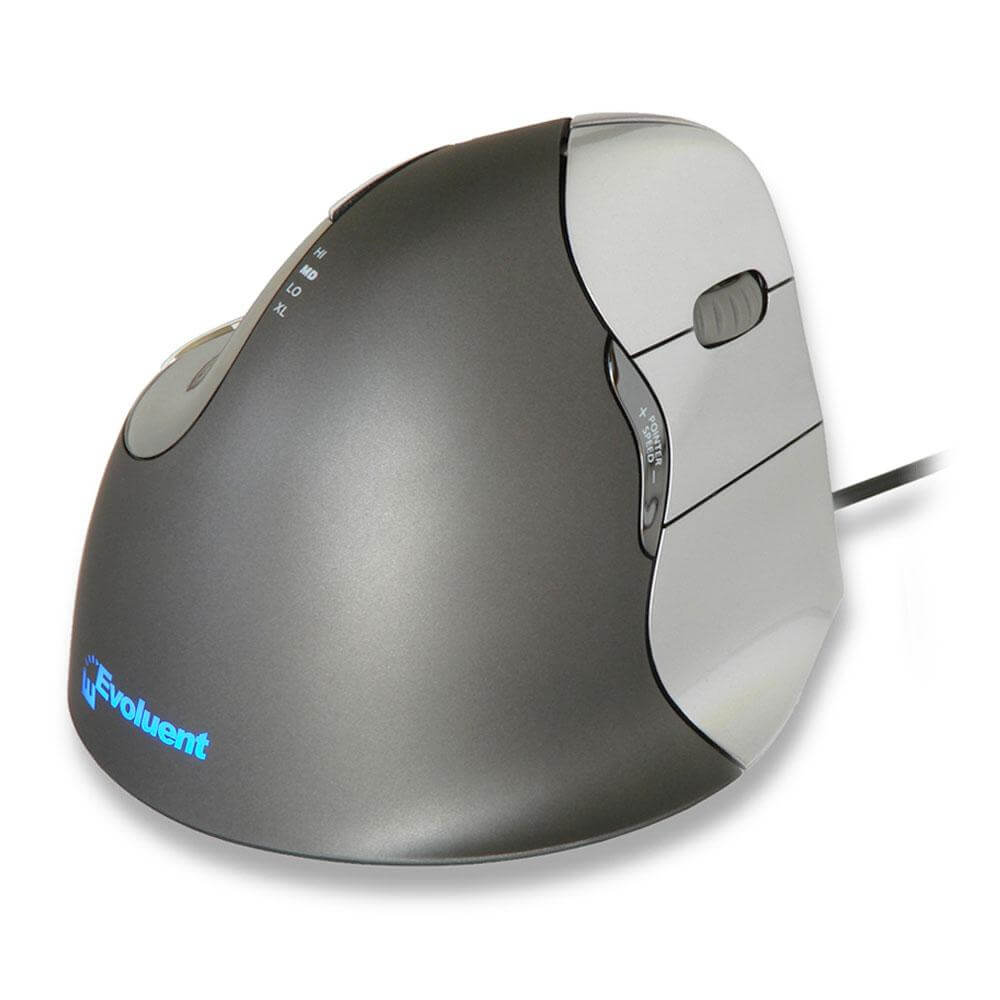
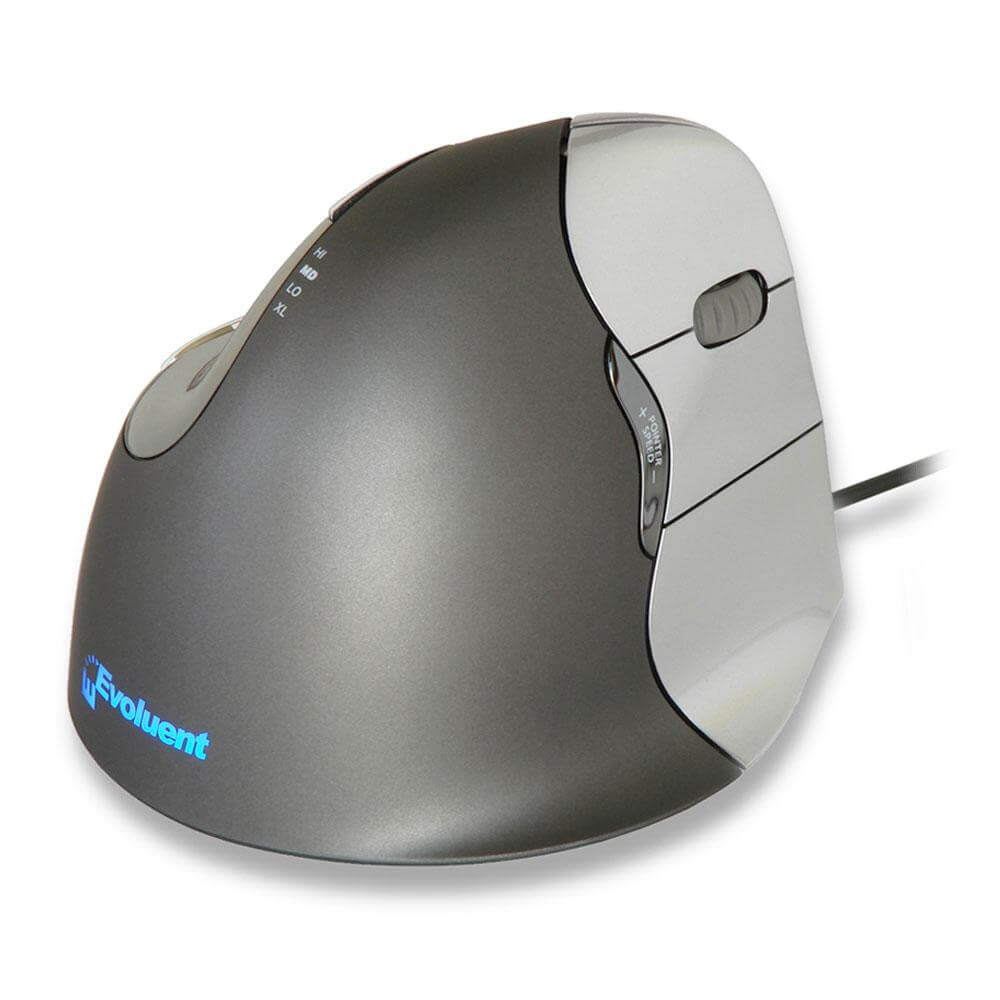
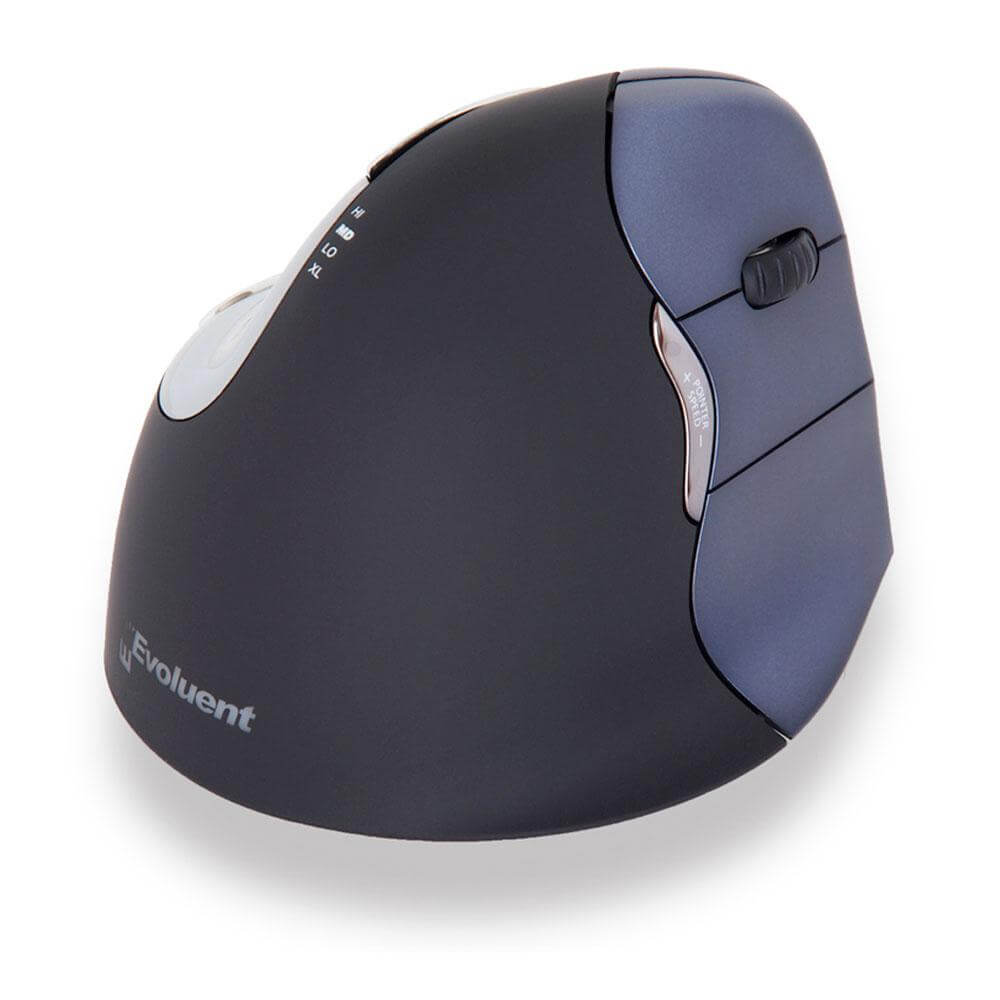
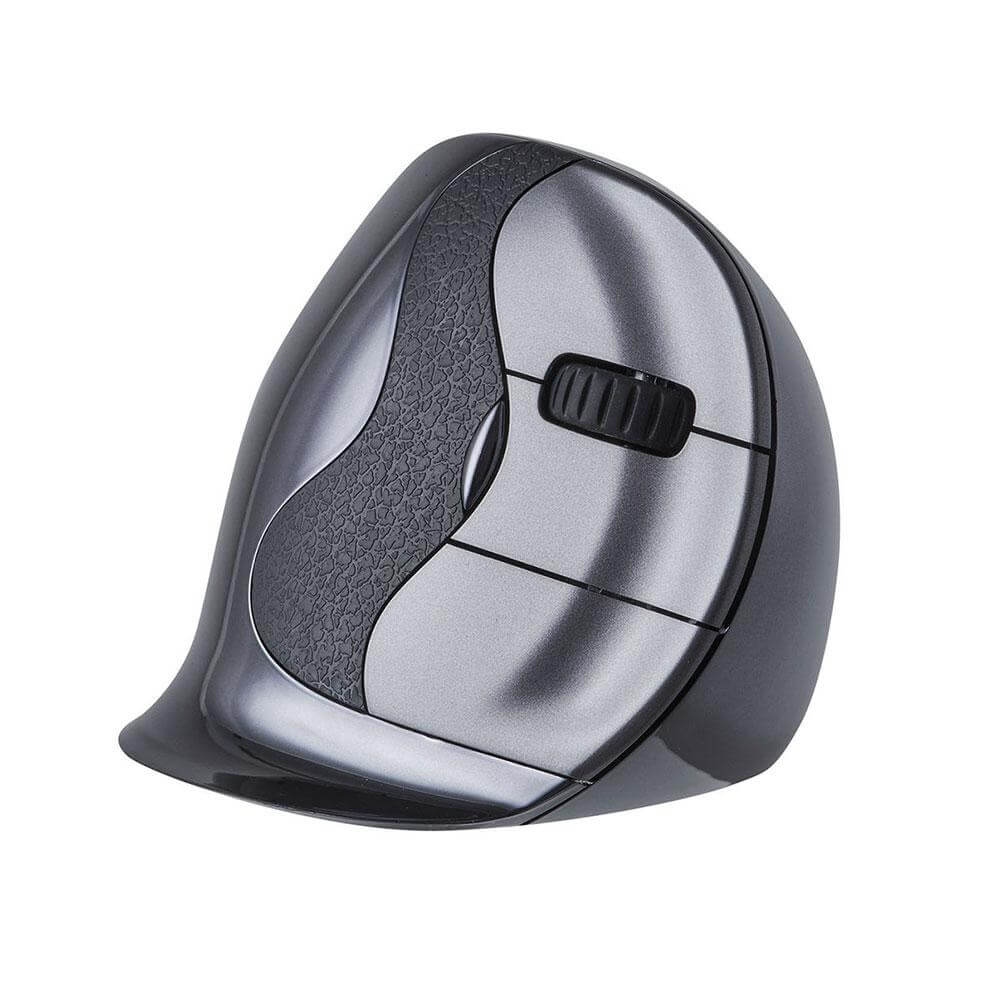
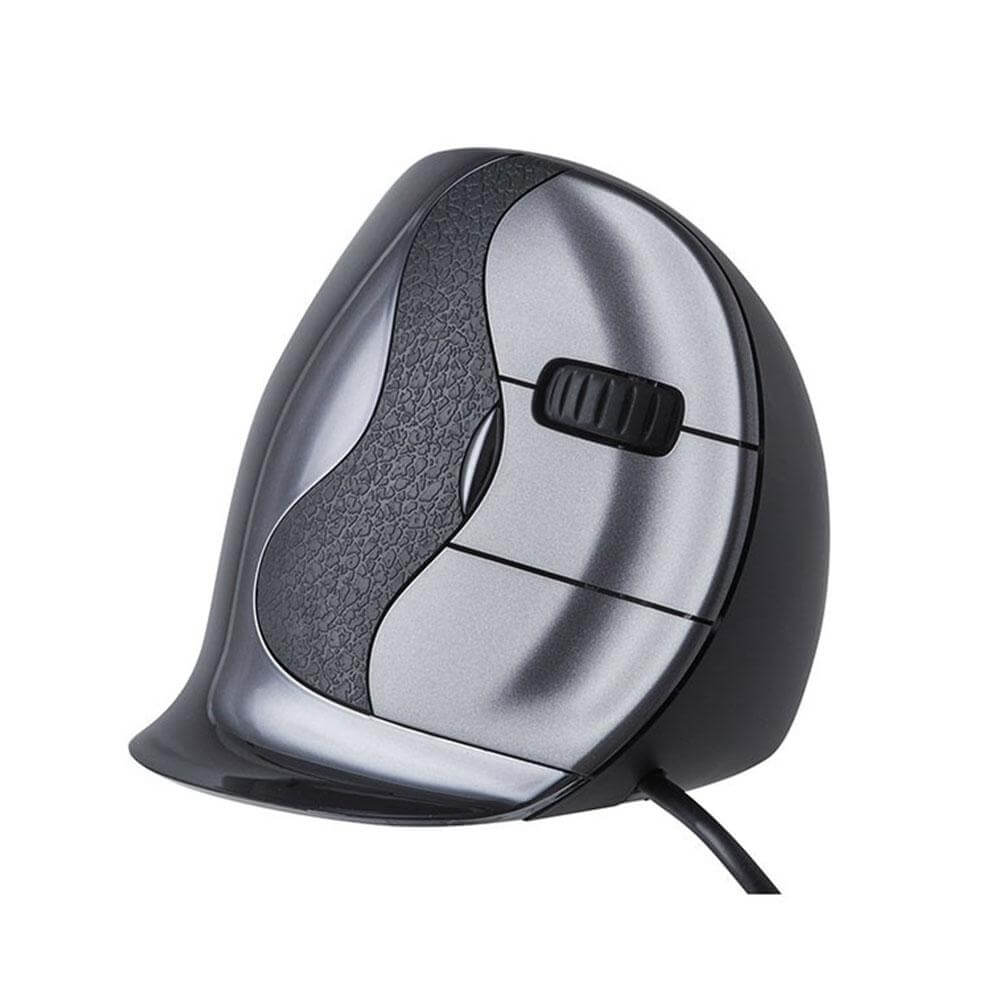
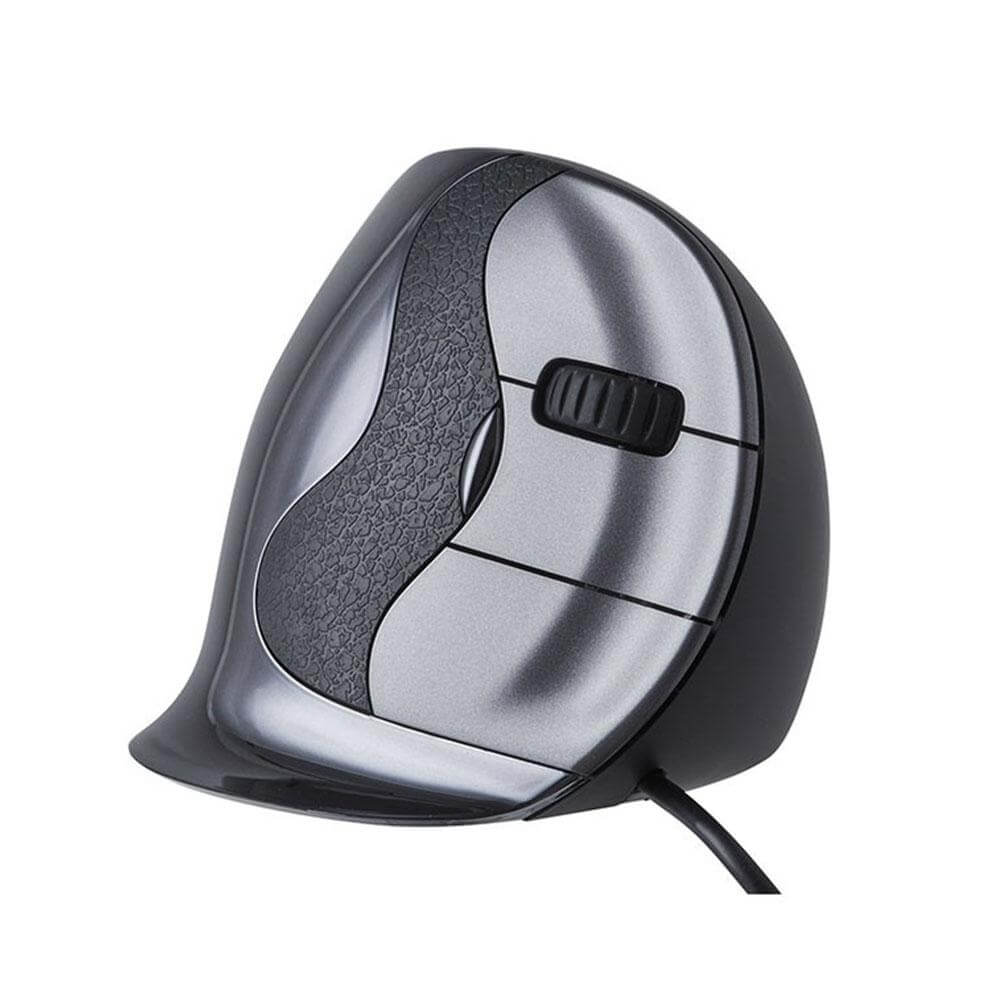
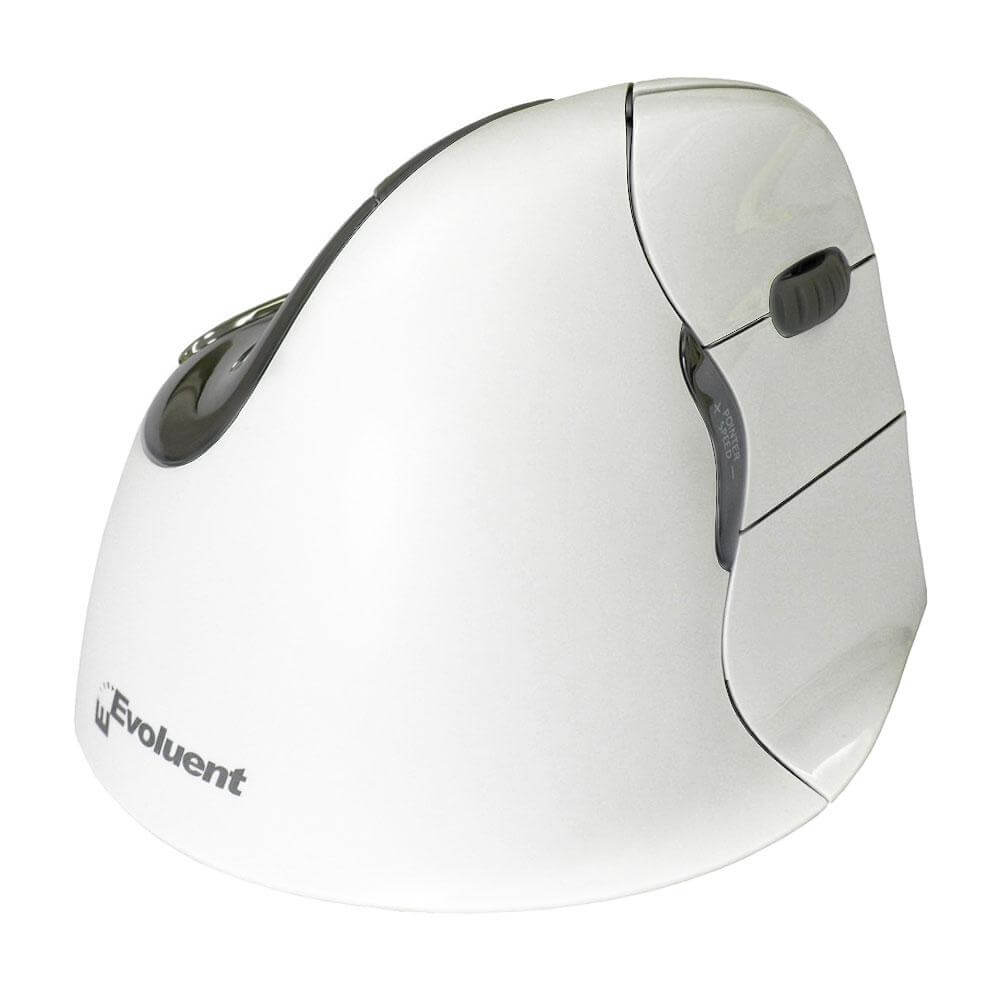
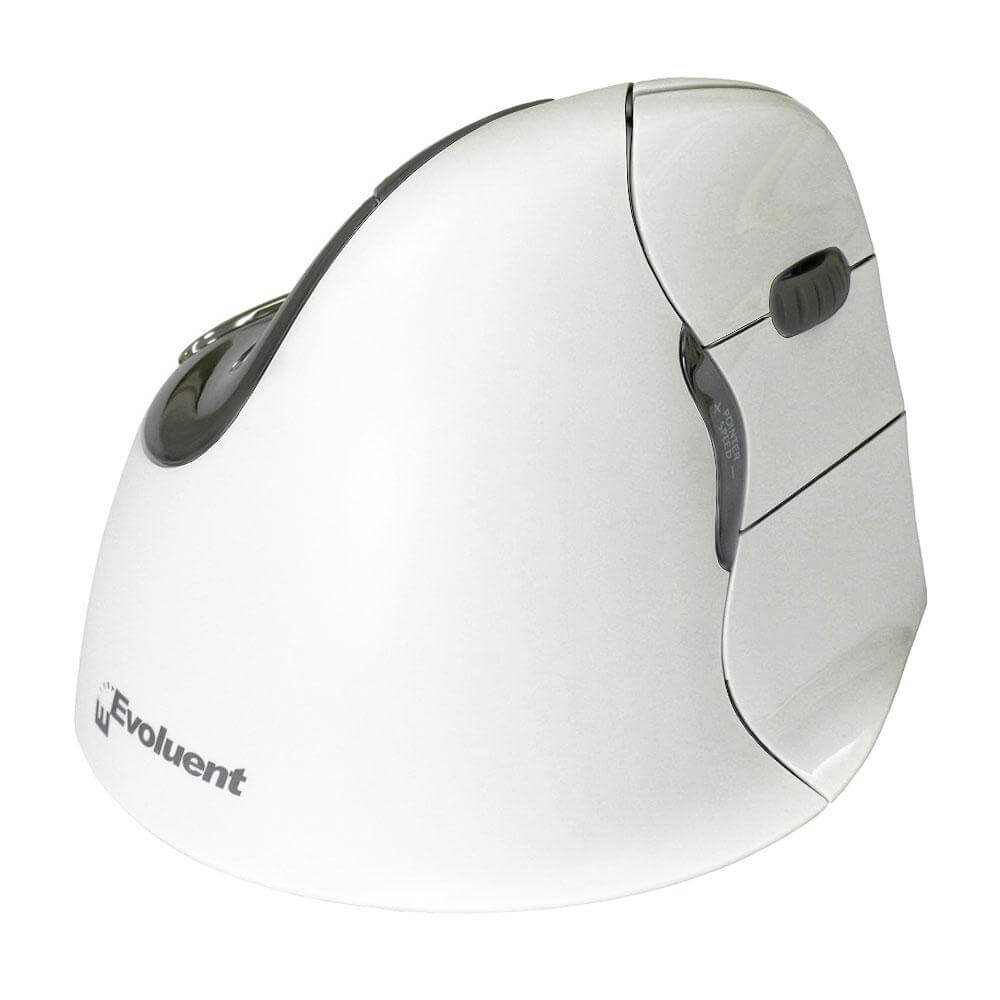
Vertical mouse Your hand sits upright in a handshake position, so the forearm isn't twisted flat Most people; the easiest switch from a normal mouse Evoluent VerticalMouse 4, Logitech MX Vertical, Oyster Mouse Budget to Premium
Semi-vertical mouse Tilted part-way between flat and upright People who find a full vertical mouse too steep Goldtouch Semi-Vertical, Grip Mouse Budget to Mid-range
Supported-hand mouse The whole hand rests on the mouse at a gentle angle, with no gripping Sore hands, or anyone who grips a mouse tightly Handshoe Mouse, OrthoMouse Premium
Trackball The mouse stays still and you roll a ball with your fingers or thumb Small desks, and reducing arm and shoulder movement Kensington Expert Mouse, Logitech MX Ergo S Budget to Mid-range
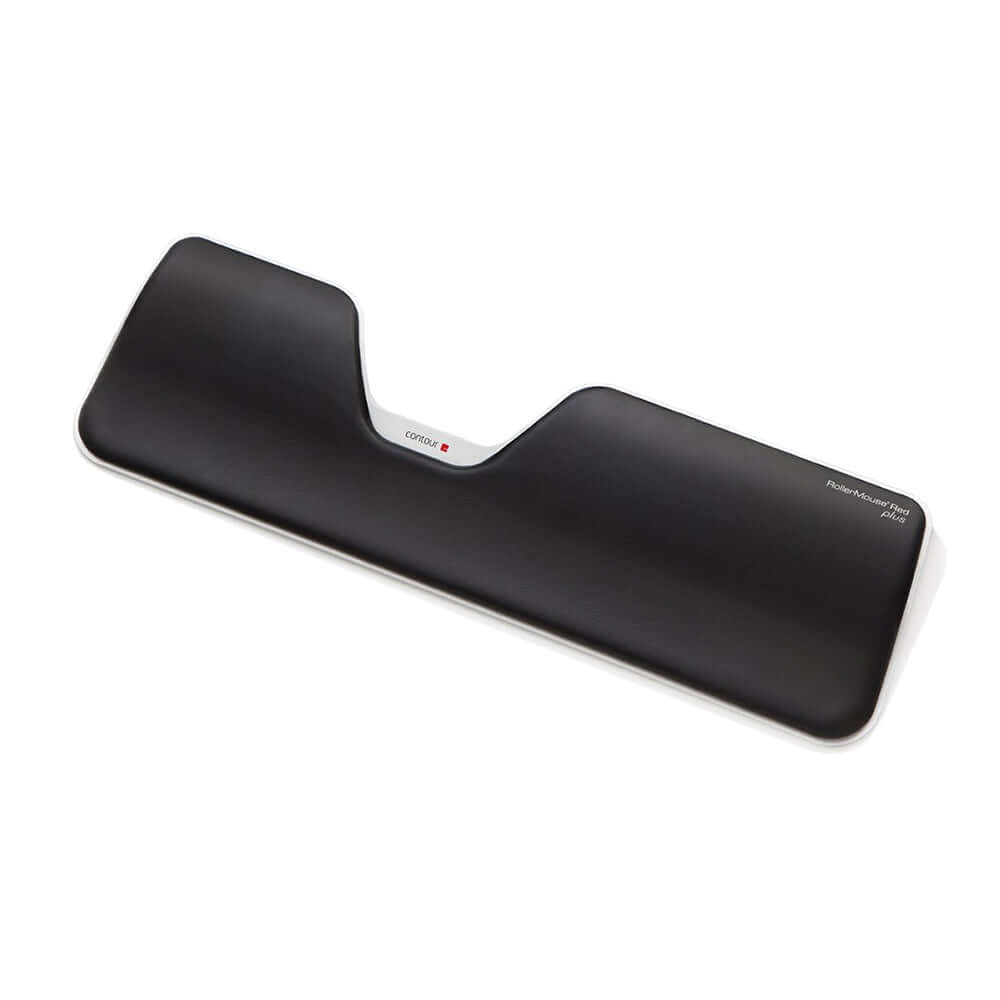
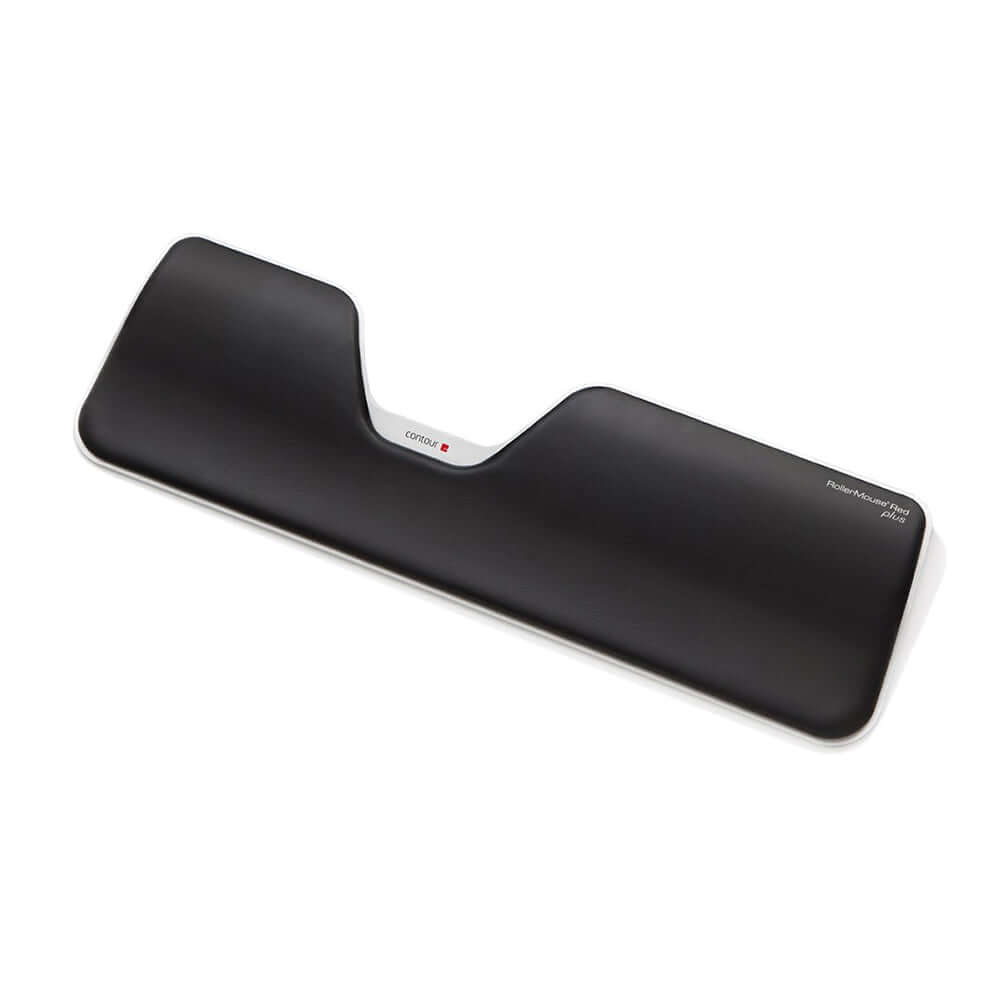
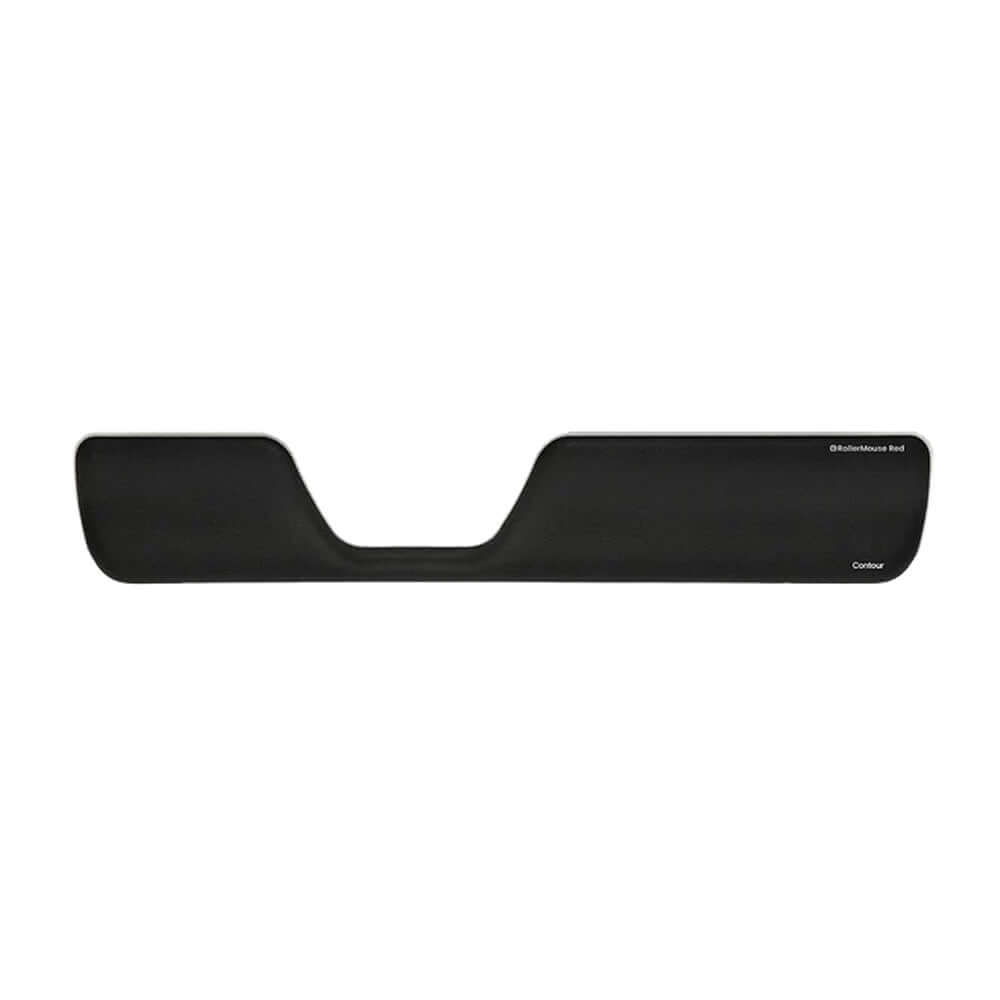
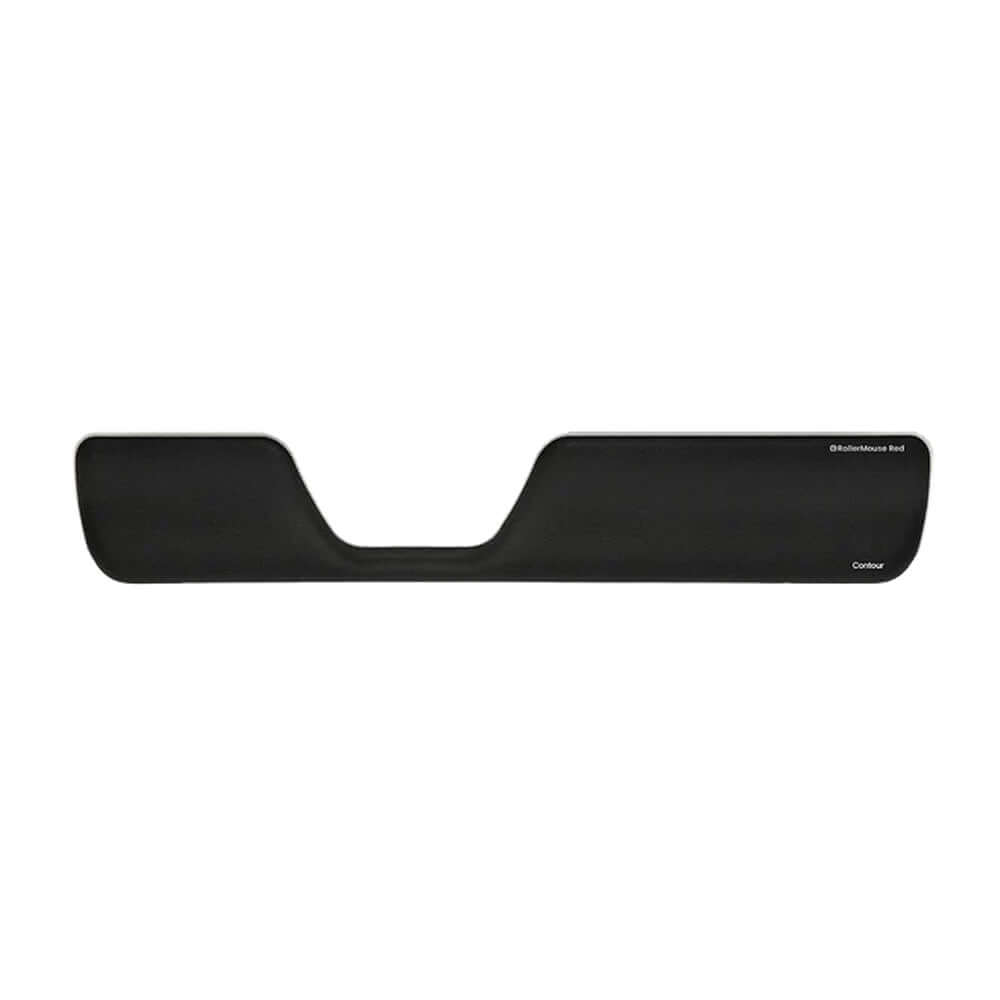
Roller bar mouse A bar in front of the keyboard moves the cursor, so you don't reach to the side Shoulder and neck pain from reaching; using both hands Contour RollerMouse Red, Pro3, Free3 Premium
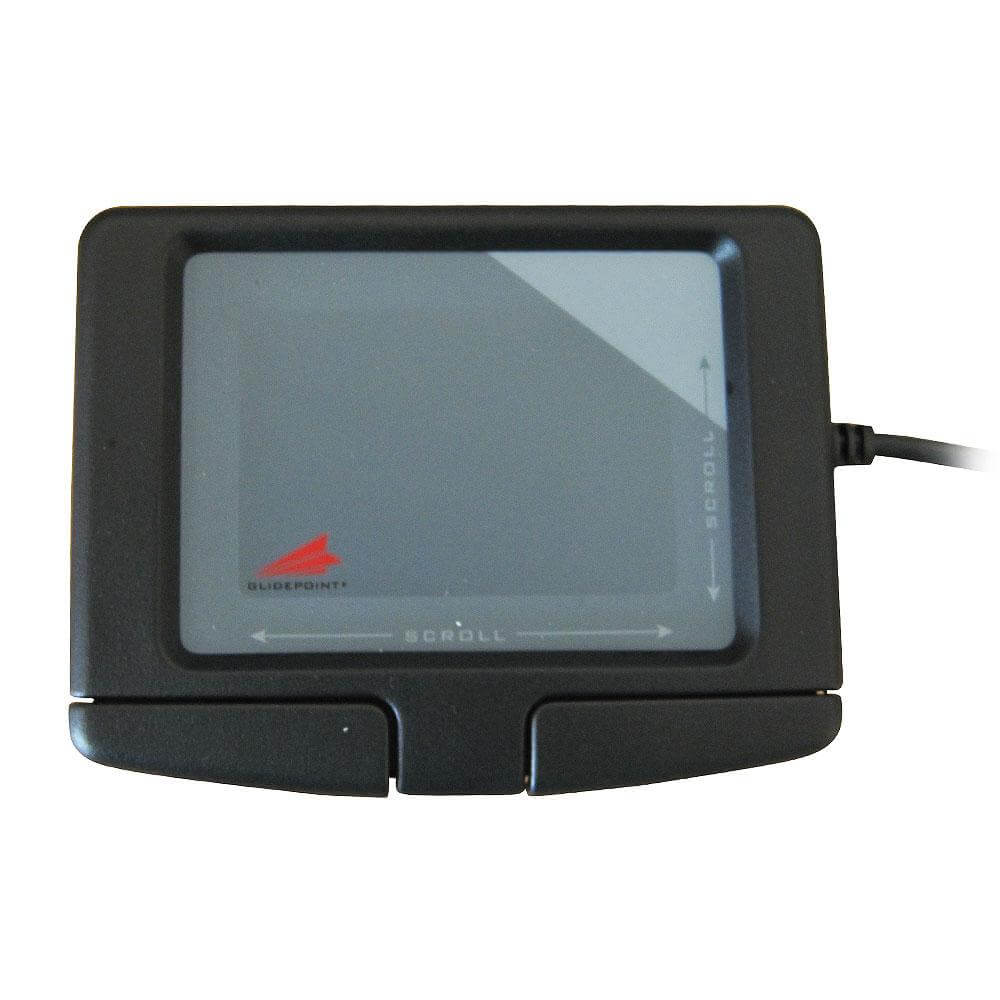
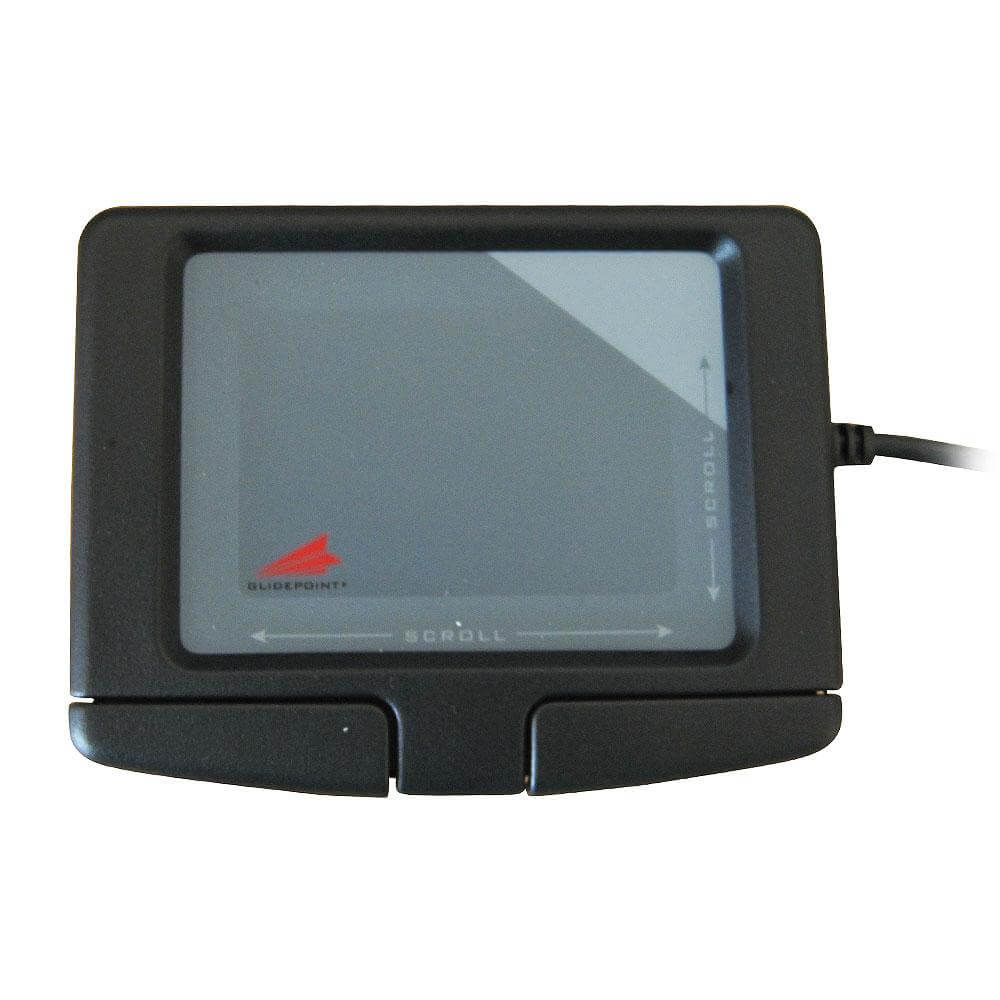
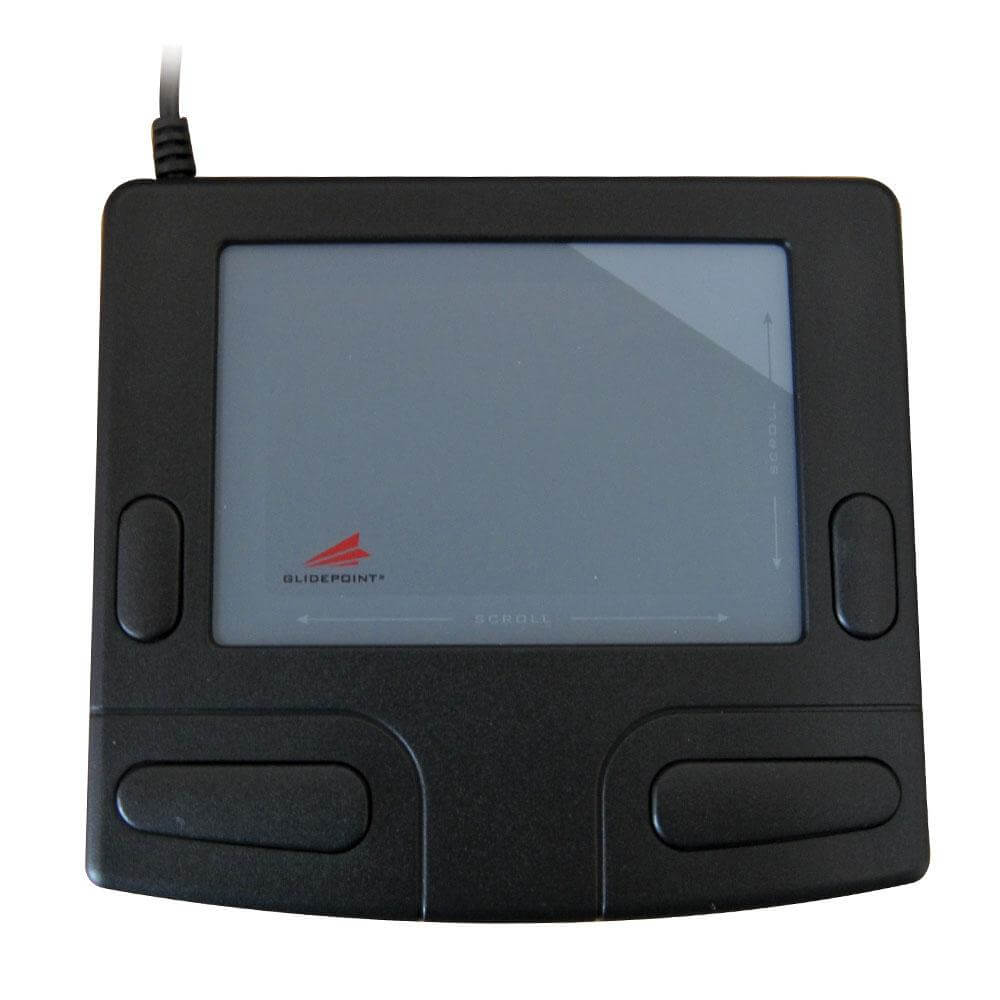
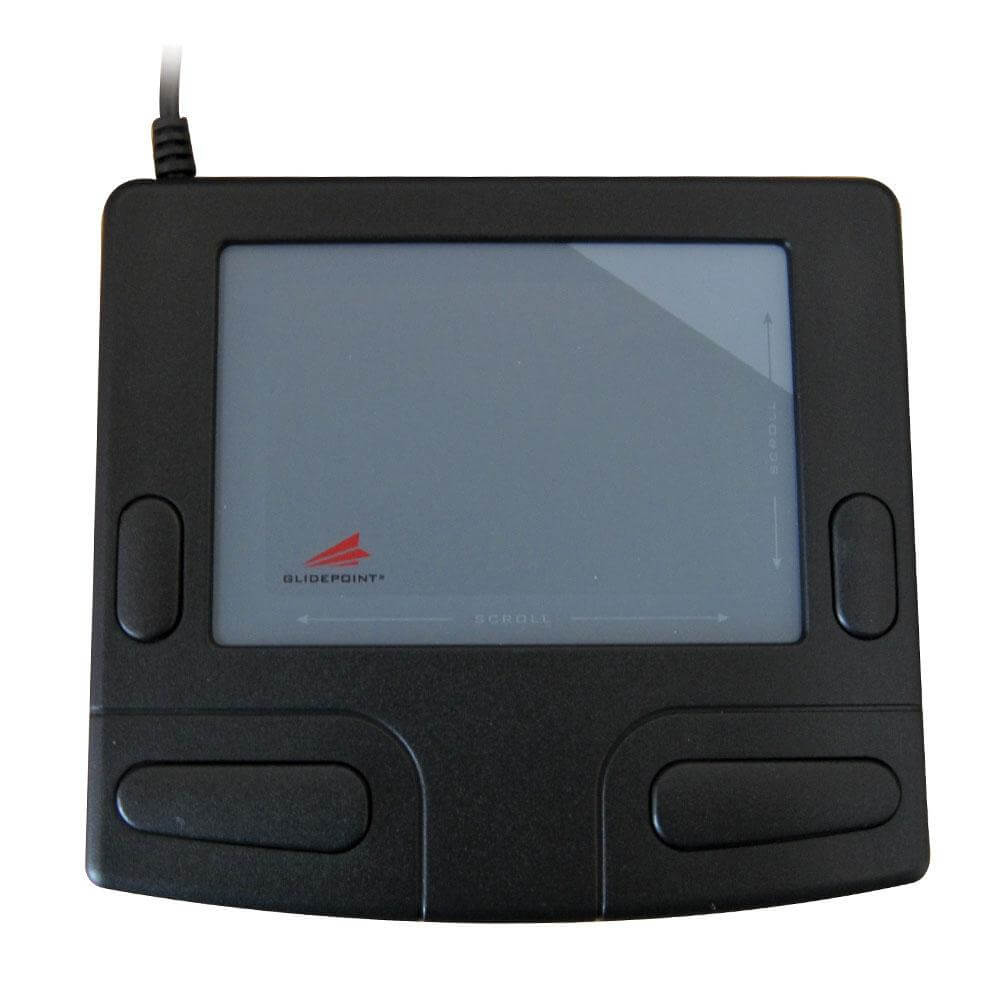
Touchpad A finger glides over a pad instead of moving a mouse People who prefer laptop-style control Adesso Easy Cat, Smart Cat Mid-range
Washable mouse Sealed so it can be wiped or washed with disinfectant Hospitals, clinics and shared desks Element ECT408, ECT409 Budget to Mid-range

How to choose an ergonomic mouse

  1. Start with what hurts. Wrist or forearm discomfort usually points to a vertical mouse. Shoulder or neck pain from reaching sideways points to a roller bar mouse or a trackball.
  2. Measure your hand. Measure from the tip of your middle finger to the crease of your wrist. Many mice come in sizes, and the product pages show which size fits which hand.
  3. Check left or right. Some mice are made for one hand only. Ambidextrous designs like the Oyster Mouse, DXT 3 and RollerMouse let you swap hands to share the work.
  4. Wired or wireless. Wireless keeps the desk tidy. Wired never needs charging. Check that the mouse works with your computer (Windows, Mac or both).
  5. Give it a week. Most people get used to a new mouse shape within a few days. Start with an hour or two a day.

Frequently Asked Questions

What is the most ergonomic mouse?

There's no single best mouse for everyone. A vertical mouse suits most people, but if your pain comes from reaching to the side, a roller bar mouse in front of the keyboard often helps more.

Do ergonomic mice help with wrist pain?

Many people find a vertical or supported-hand mouse more comfortable because the forearm isn't twisted flat. If pain continues, see a health professional.

Can I use an ergonomic mouse on a Mac?

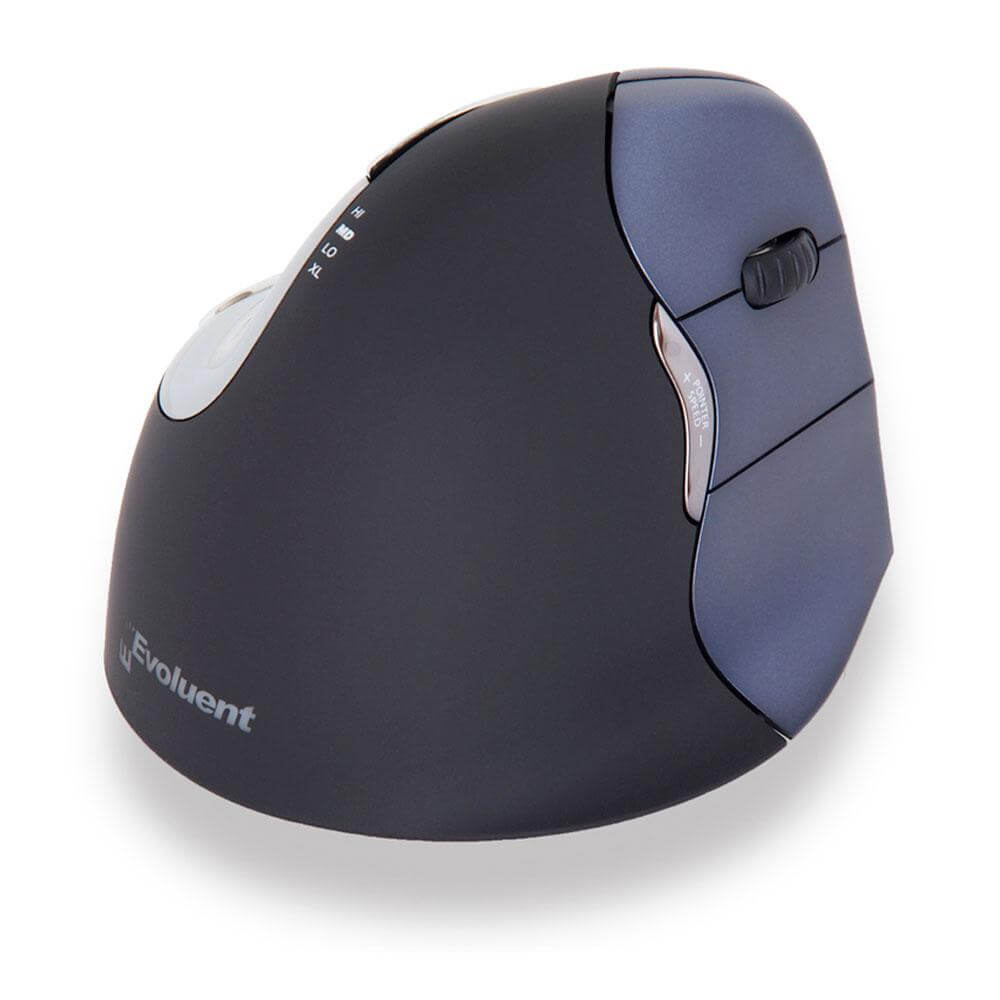
Most of our mice work on Windows and Mac. The product page lists compatibility, and the Evoluent VerticalMouse 4 Bluetooth is made for Mac.

Is there a left-handed ergonomic mouse?

Yes. The Evoluent VerticalMouse 4, Contour Unimouse and Handshoe Mouse come in left-handed versions, and the Adesso iMouse E90 is left-handed only. Ambidextrous mice suit either hand.

x