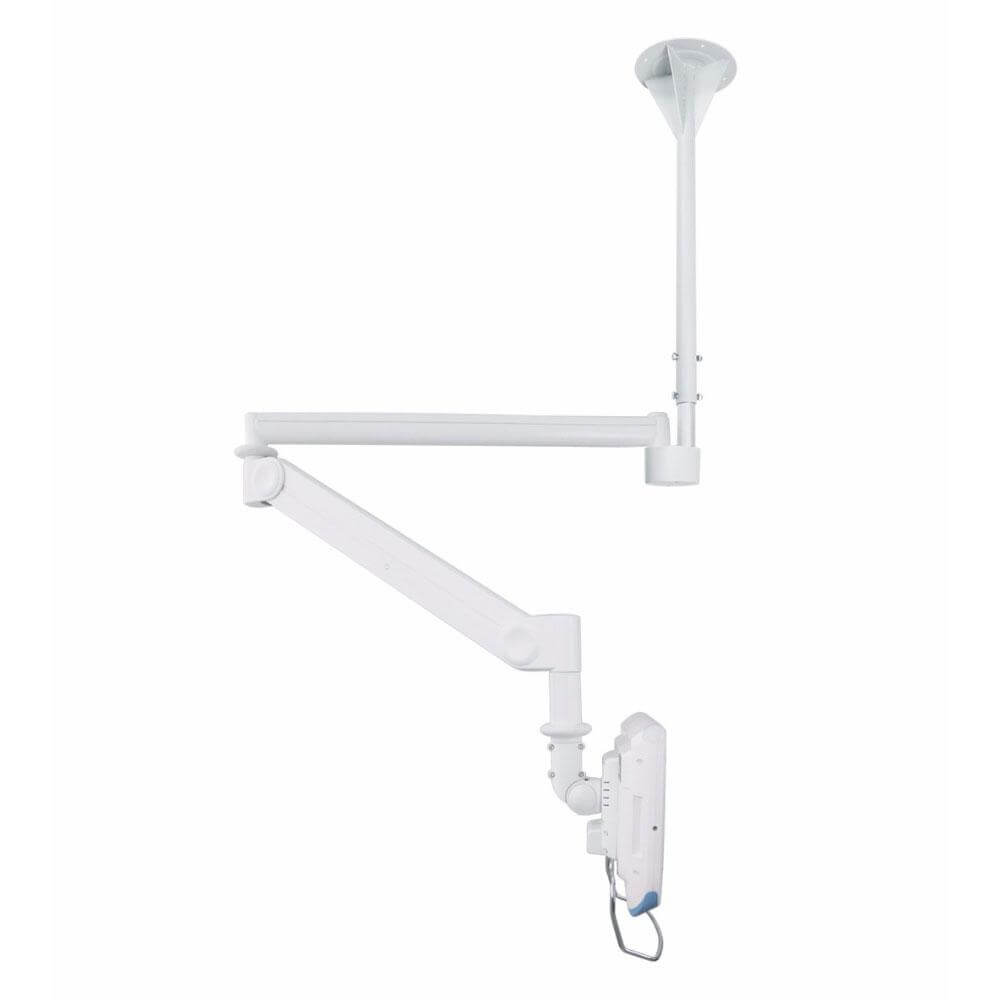
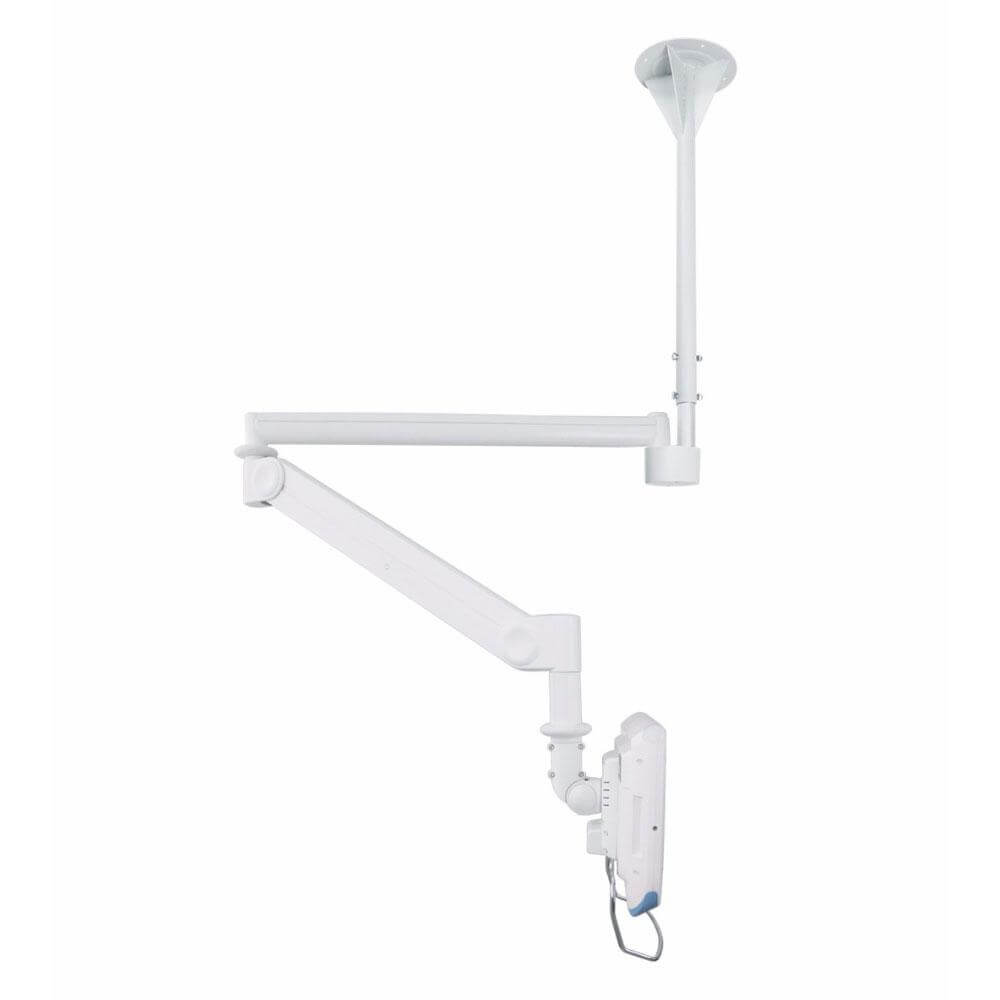
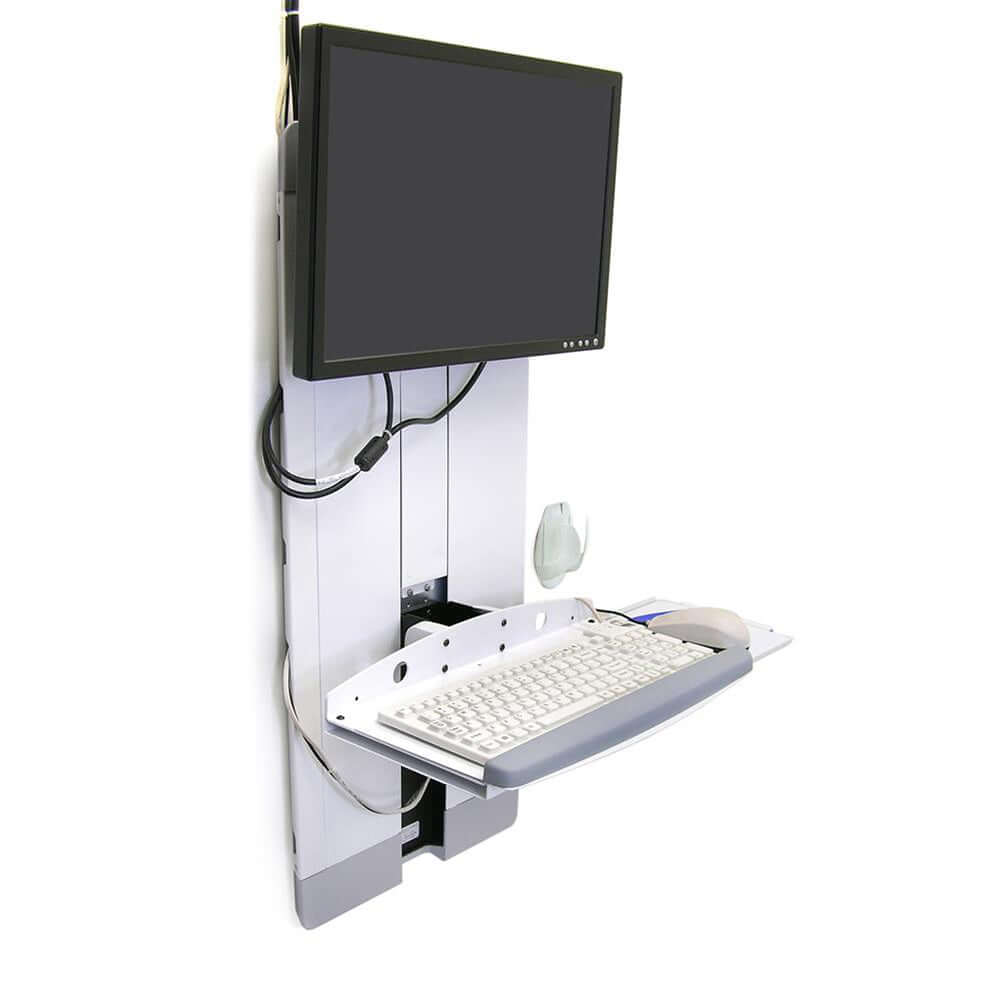
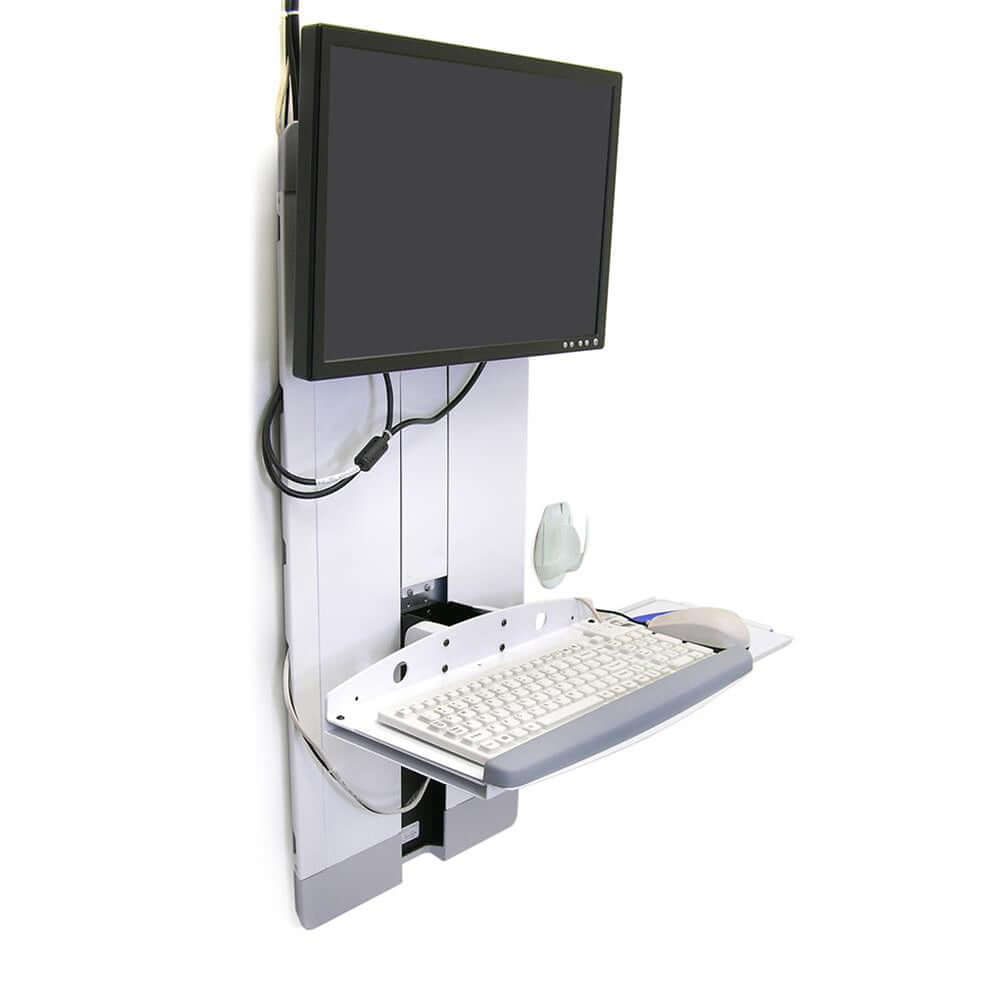
| Atdec Swivel Monitor Wall Mount |
1 screen |
8 kg |
Tilt, pan and portrait; sits 109 mm from the wall |
Budget |
Reception desks and nurses' stations |
| Telehook TH-3060-UT Tilt Wall Mount |
TV or large screen, 32" and up |
50 kg |
Tilts; sits 58 mm from the wall |
Budget |
Meeting-room TVs |
| Neo-Flex Wall Mount Lift |
1 screen to 27" |
7 kg |
Glides up and down on the wall |
Budget |
Changing screen height with one hand |
| Atdec Full Motion Monitor Wall Mount |
1 screen |
8 kg |
Extends 454 mm; folds flat |
Mid-range |
Pulling the screen closer when needed |
| Ergotron MXV Wall Mount |
1 screen to 34" |
9 kg |
Full motion; folds flat |
Mid-range |
Tight rooms and corridors |
| Ergotron LX Pro Single Wall Mount |
1 screen to 34" |
10 kg |
Full motion; folds back |
Mid-range |
Larger screens |
| Ergotron LX Wall Mount |
1 screen |
9 kg |
Extends 64 cm; 33 cm height range |
Mid-range |
Everyday office use |
| Ergotron LX Sit-Stand Wall Mount |
1 screen |
11 kg |
Full sitting-to-standing travel |
Mid-range |
Standing wall workstations |
| Ergotron MX Wall Mount |
1 screen to 42" |
14 kg |
Full motion, heavy duty |
Mid-range |
Heavy screens |
| Spacedec Articulated Swing Arm |
1 screen |
6 kg |
Gas strut full motion |
Mid-range |
Adjusting from a seat |
| Neo-Flex Dual Monitor Wall Mount |
2 screens |
– |
Each screen tilts and rotates |
Premium |
Two screens over a clear desk |
| Telehook TH-1040-CT Ceiling Mount |
24" to 46" display |
25 kg |
Ceiling pole; 360° rotation |
Mid-range |
Displays hung from the ceiling |
| Telehook TH-3070-CTS Ceiling Mount |
Large display |
65 kg |
900 mm ceiling pole |
Premium |
Retail and commercial displays |
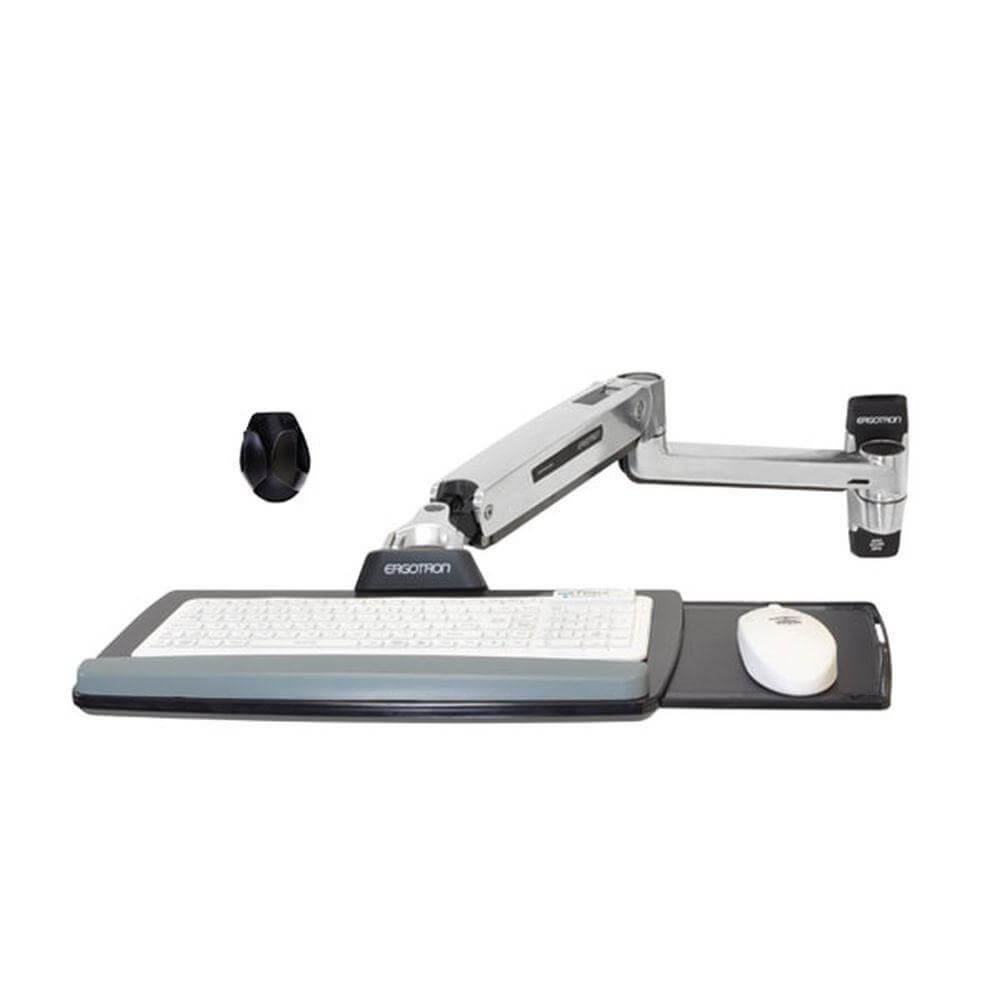
| Ergotron LX Wall Mount System |
Screen, keyboard and computer |
11.3 kg screen |
Screen and keyboard each adjust 33 cm |
Premium |
Rooms with no space for a desk |
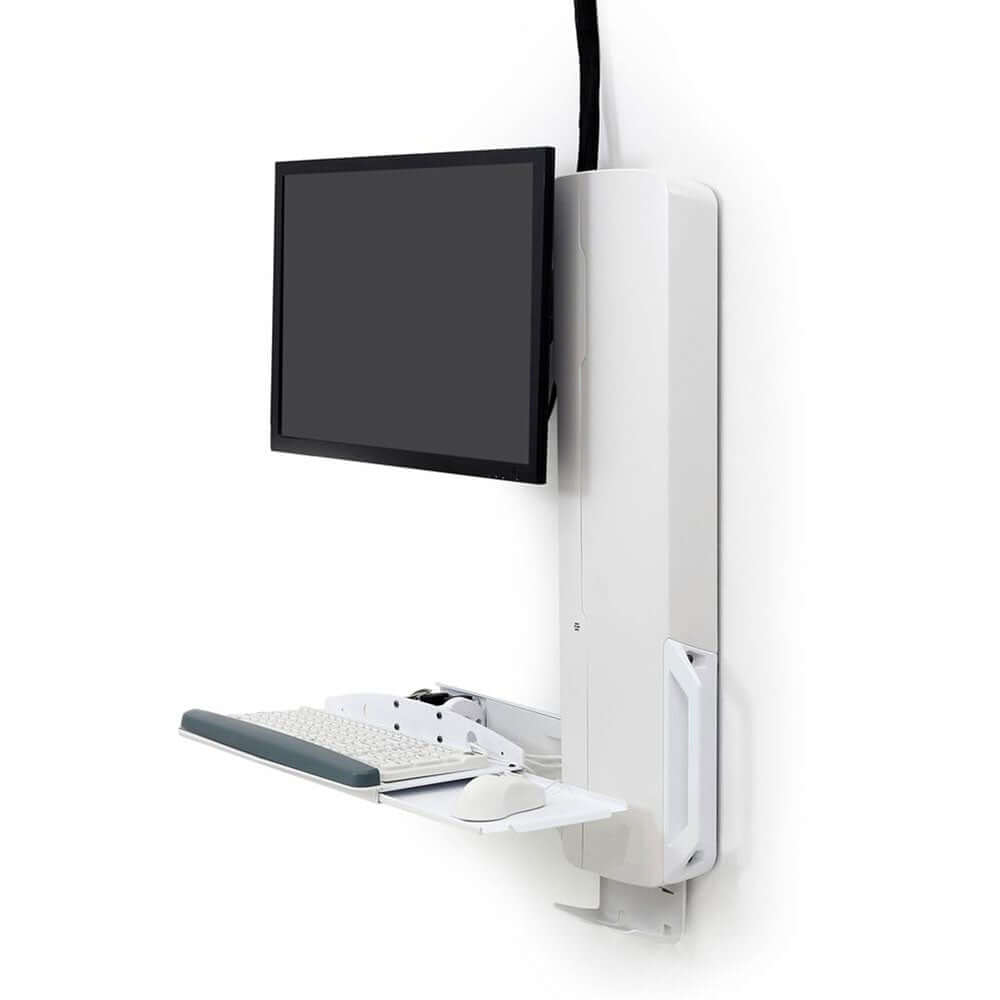
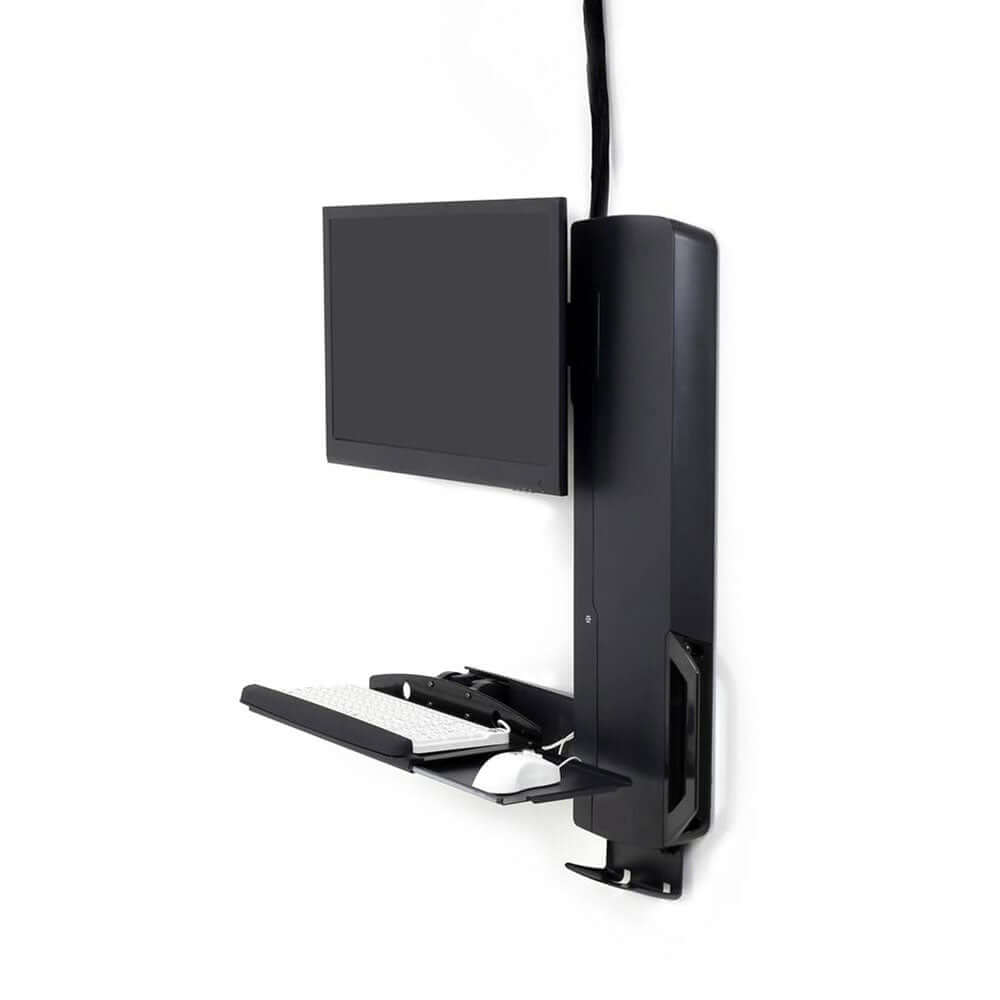
| Ergotron StyleView Vertical Lift |
Screen and keyboard |
– |
Lifts 23 cm; folds to 114 mm deep |
Premium |
Exam and patient rooms |