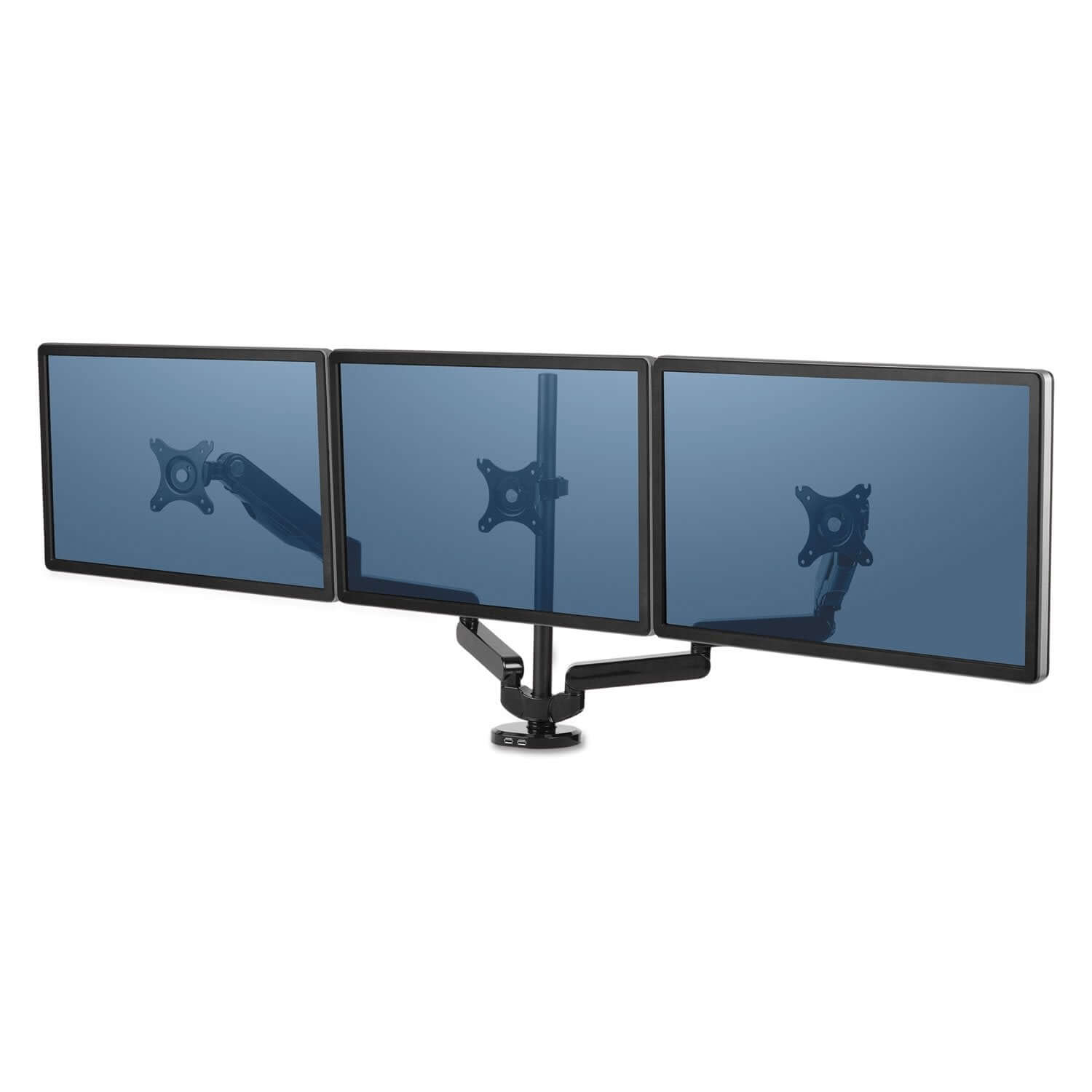
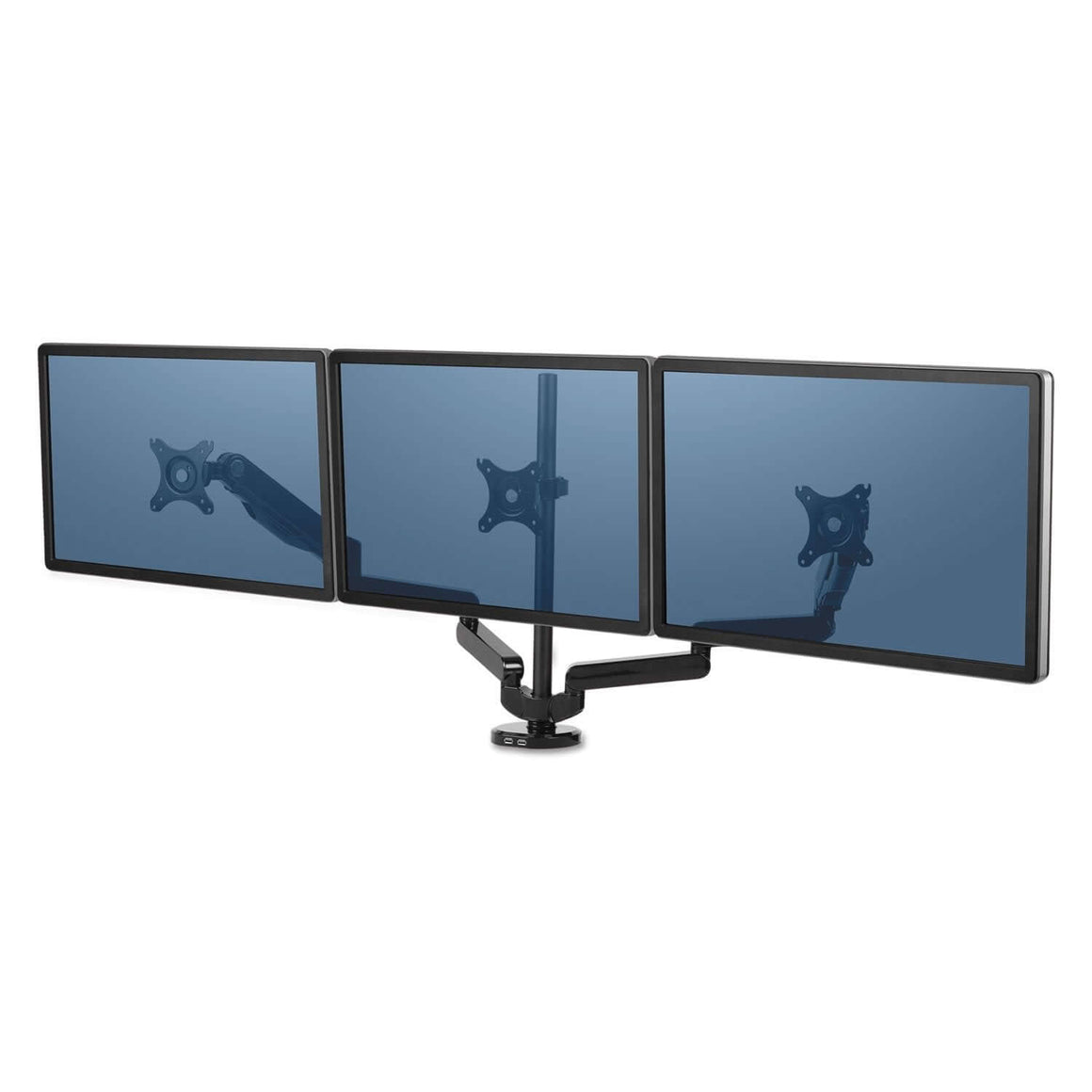
Dual Monitor Arms for Two Screens
Choose a dual monitor arm by checking each monitor’s weight, VESA mounting pattern and your desk’s thickness before ordering. The two screens must both fit the arm’s per-screen weight range and mounting plate, while the desk must support the selected clamp or bolt-through mount.
Dual monitor arms can position two screens side by side or in other supported configurations, helping you keep the displays at a comfortable height while freeing space below them. If one screen is your main display, place it directly in front of you. If both screens are used equally, position them to minimise repeated neck turning.
What to check before buying
-
Weight per arm: compare the weight of each monitor without its stand with the product’s stated range.
-
VESA compatibility: check the mounting-hole pattern on both monitors, commonly 75 x 75 mm or 100 x 100 mm.
-
Desk fit: measure the desktop thickness and check clearance behind and underneath the desk.
-
Mounting type: confirm whether the model uses a desk clamp, bolt-through mount, freestanding base or another attachment.
-
Screen position: check the arm’s height, reach, tilt, swivel and rotation range for your desk.
Compare the dual monitor arms below, then check the individual product specifications before ordering. Requirements vary between models, so do not choose on screen size or price alone.