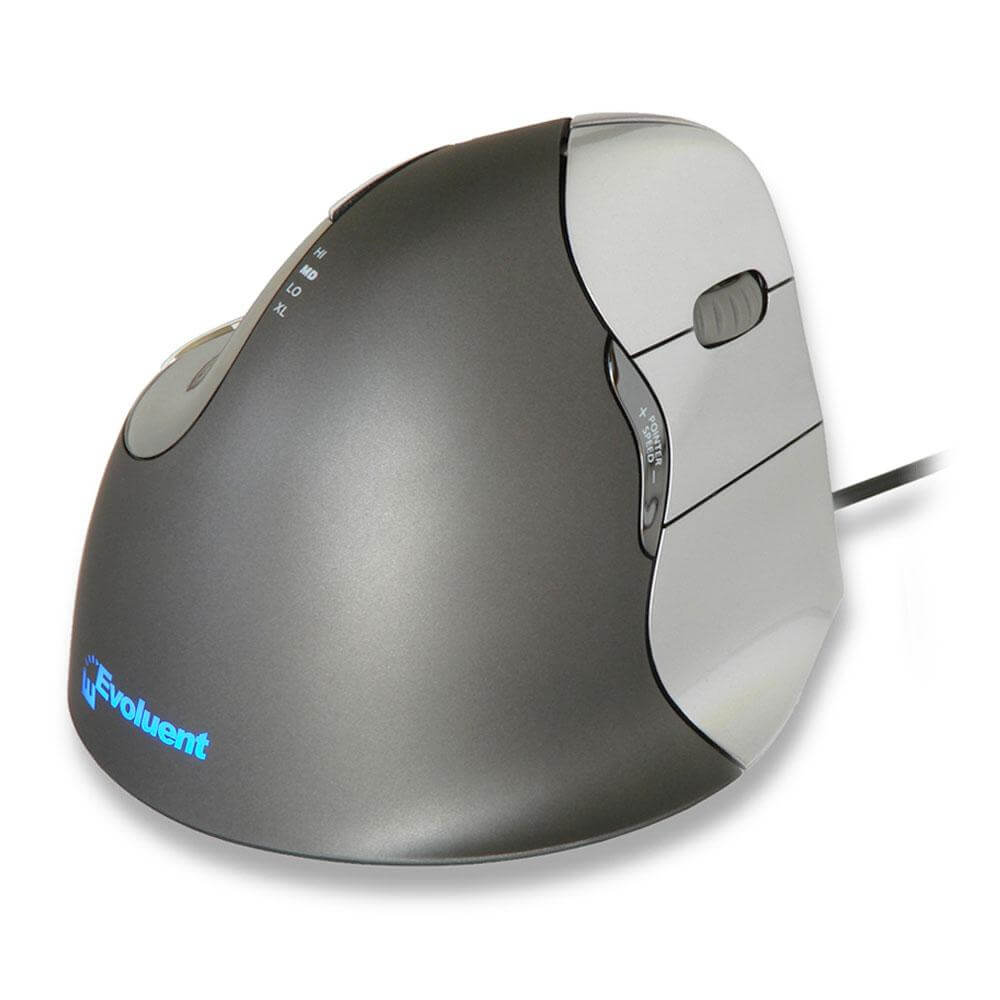
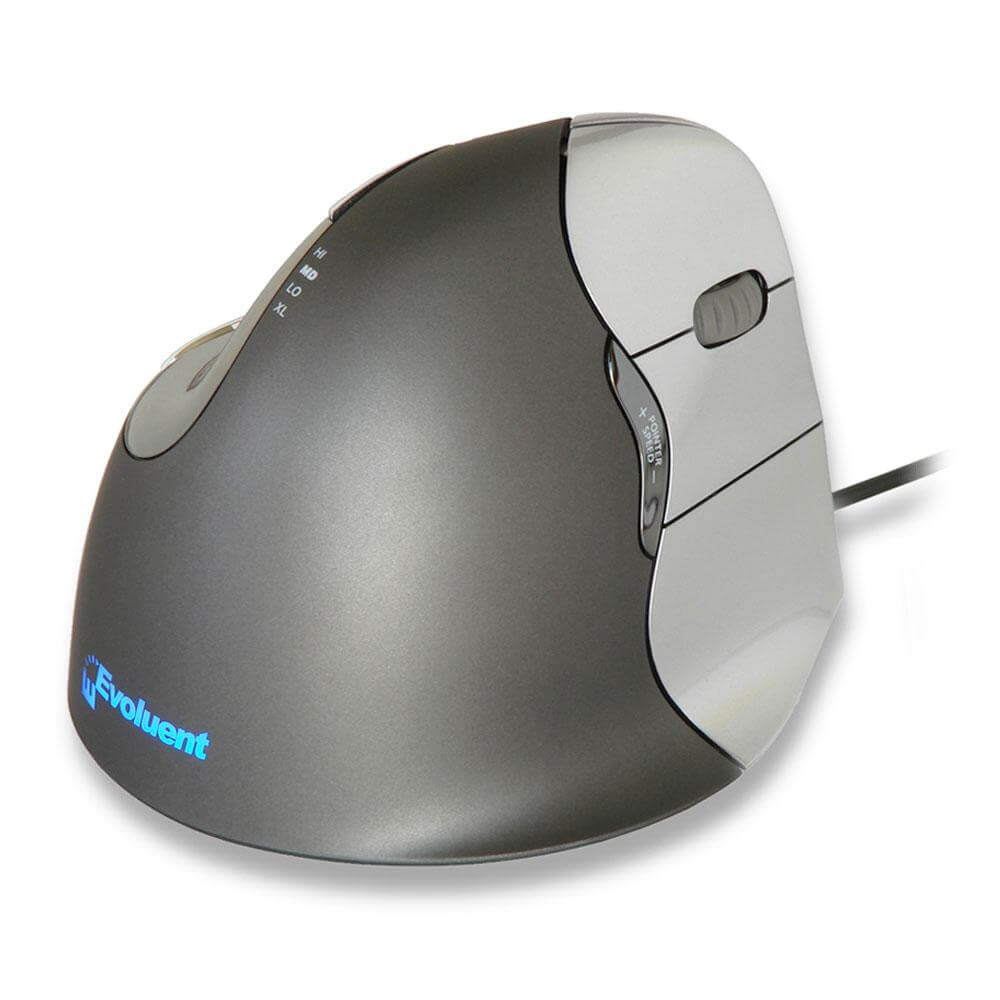
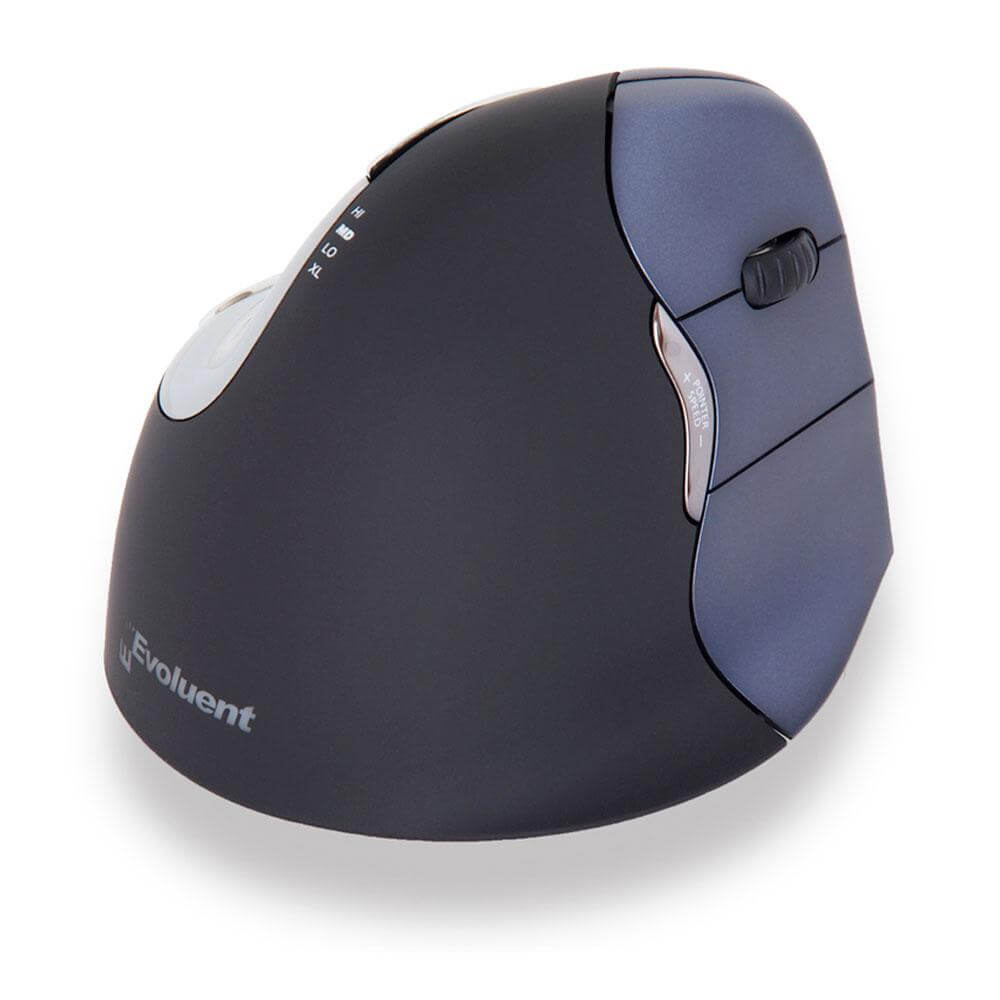
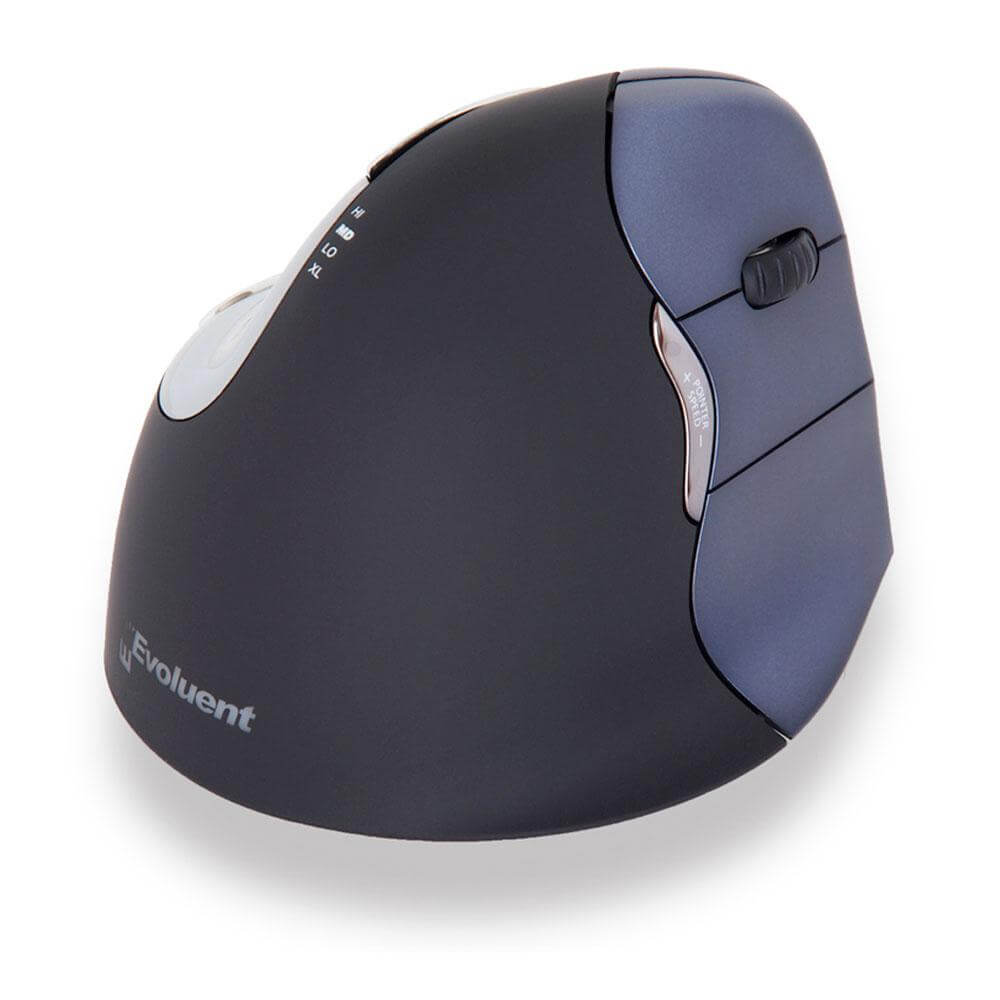
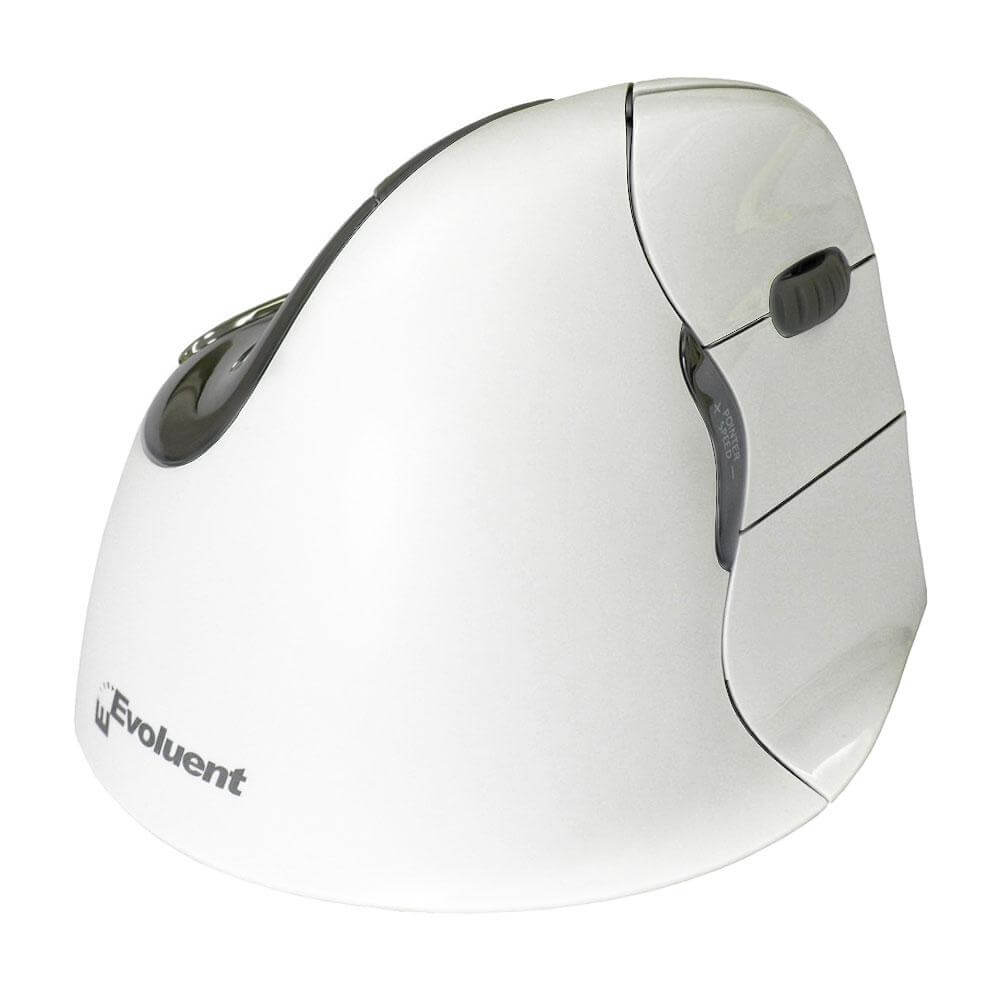
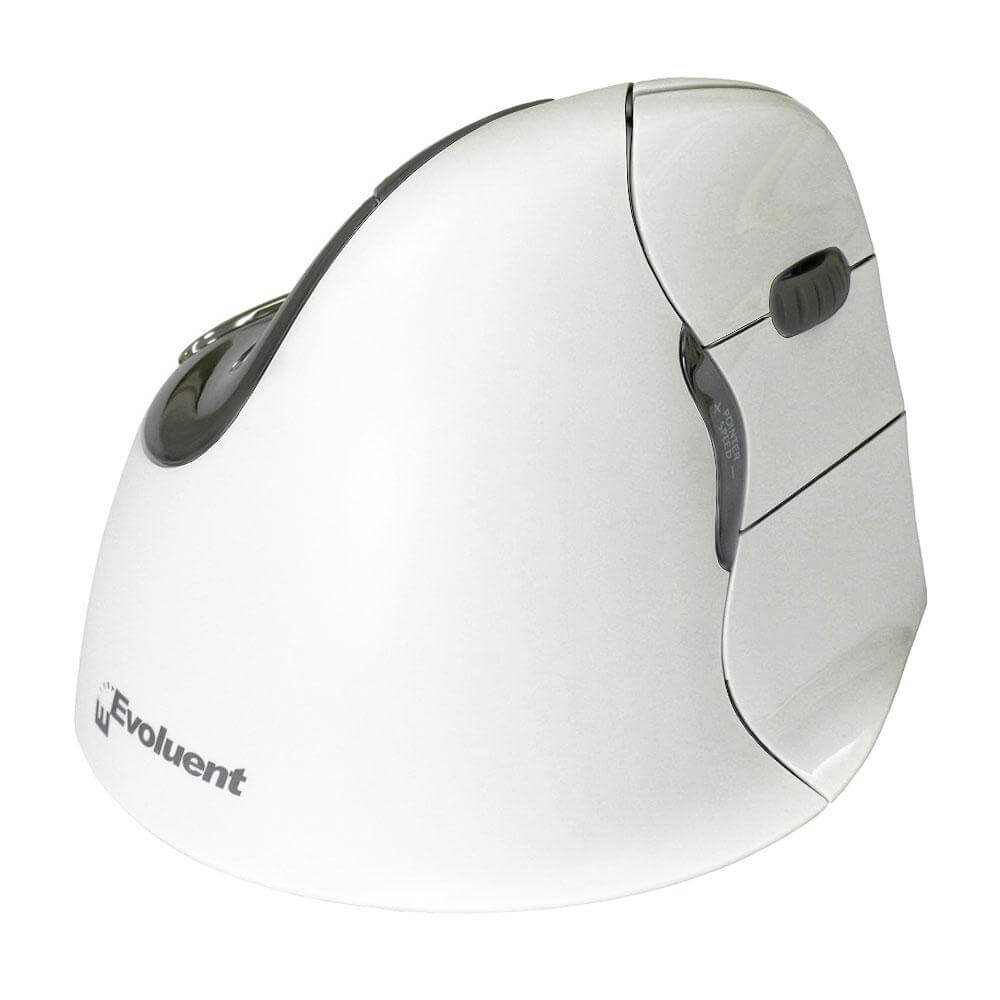
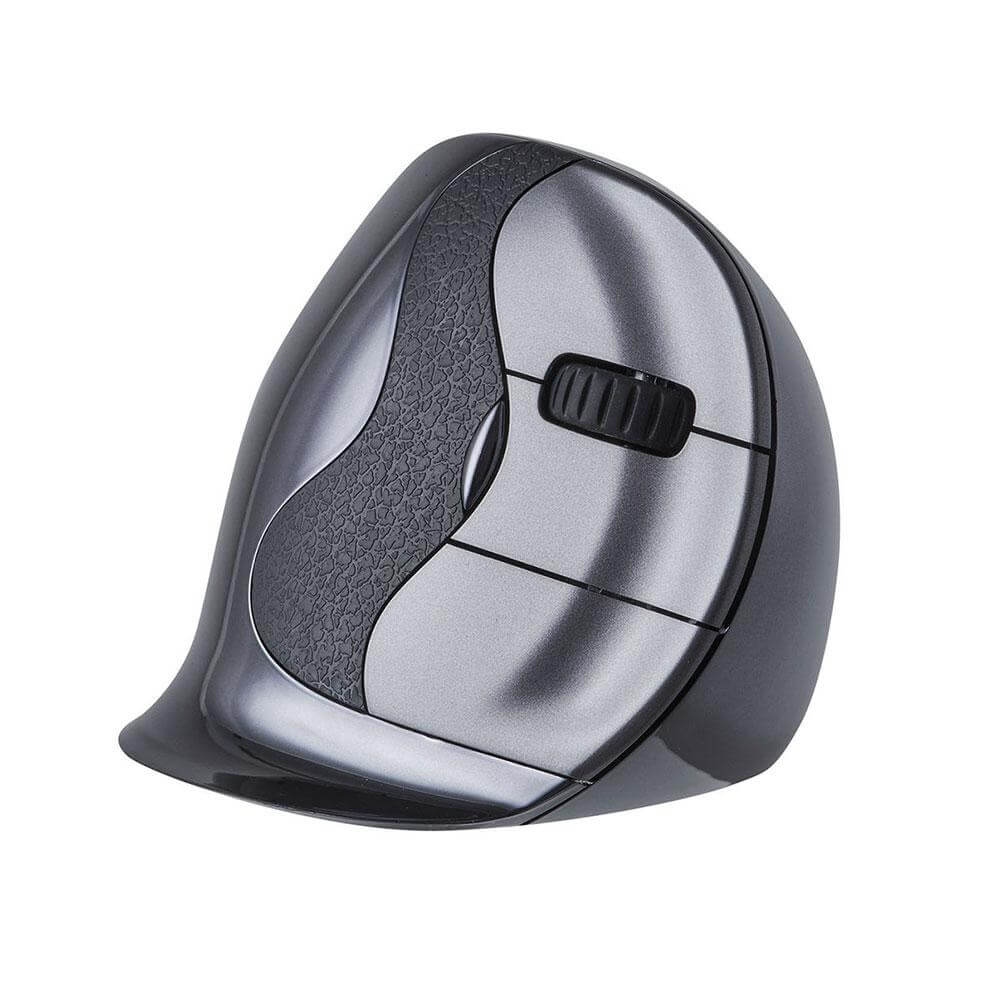
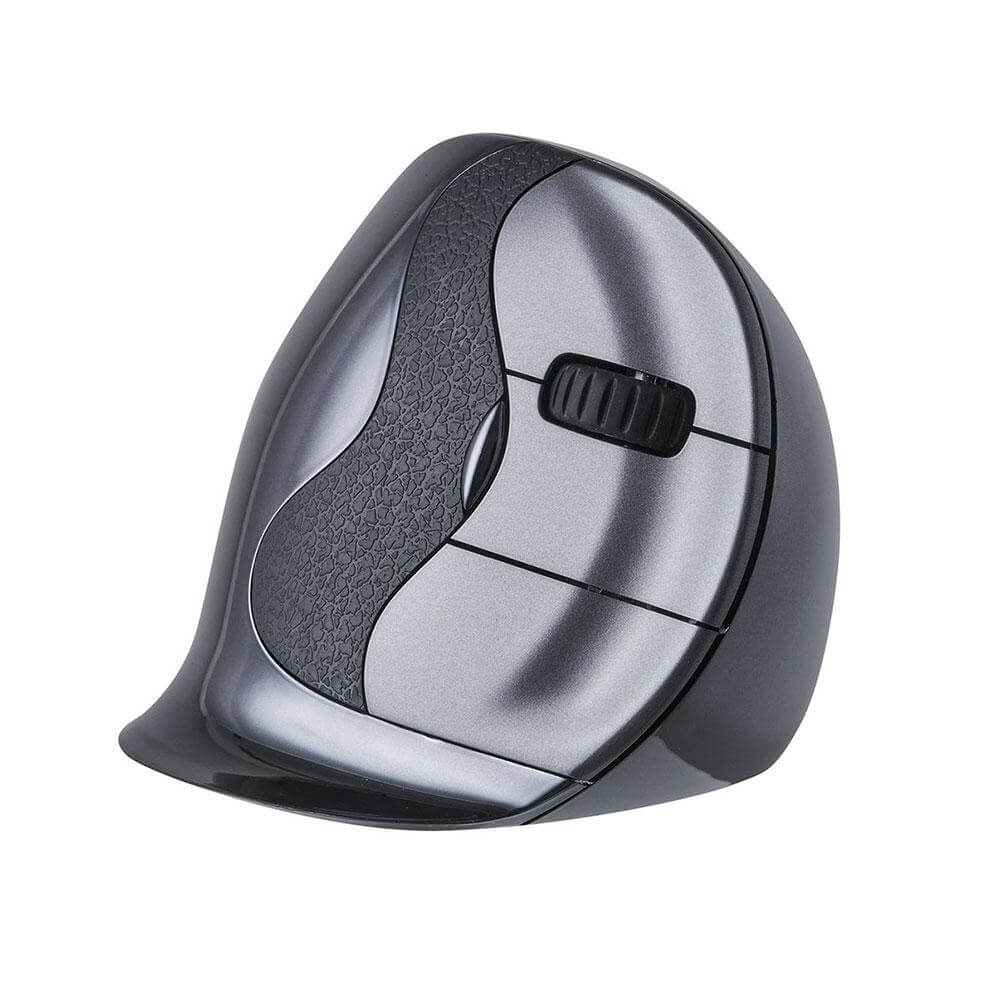
The latest and most refined Evoluent vertical mouse. It holds your hand in a handshake position, so your forearm isn't twisted flat the way it is on a standard mouse. Your fingertips sit in shallow grooves on the buttons, which holds the mouse securely and makes small movements more precise. Speed buttons on the side change the pointer speed without letting go, and lights show the setting. It has two thumb buttons and a wide lip that stops your little finger dragging on the desk. Comes in Small, Medium and Large, so check the size chart. Right-handed. Available wired (this page) or wireless with a USB receiver. Works without a driver on Windows, Mac and Linux; the included driver lets you program the buttons.
Grooved Buttons
Your fingertips rest in a shallow groove on the buttons. This patented innovation secures the mouse in your hands and makes moving it much more precise.
Avoids Forearm Twisting For Comfort
The ergonomic shape supports your hand in a handshake position. Since 2002, users continue to report that Evoluent VerticalMouse provides superior comfort and even relieves their wrist pain.
Extended Lip Prevents Rubbing
An extra wide lip along the bottom edge prevents the last finger from rubbing the desk.
Easy-To-Reach Thumb Buttons
Smartly-placed thumb buttons are both within easy reach at the top and bottom of a contoured thumb rest.
Adjustable Pointer Speed
A button behind the wheel enables quickly changing the pointer speed to suit different tasks: select higher speed (higher DPI) to make the pointer move faster for general use; select lower speed (lower DPI) to make the pointer move slower and more precisely for drawing, photo editing, etc.
Pointer Speed Indicators
Up to four lights show pointer speeds from slow to fast: slow speed or low DPI for precision work such as photo editing or drawing; fast speed or high DPI for quickly moving across the screen for general tasks.
Laser Sensor
A laser sensor ensures reliable tracking on most surfaces.
Magnetic Cover
The receiver may be stored behind a magnetic battery cover.
Copy/Paste and Much More*
Configure the buttons to perform nearly any function you wish, such as Copy or Paste, with fewer clicks and mouse movements.
Hyper Scrolling*
Dramatically varies sensitivity per notch in response to the speed you roll the wheel, from slow-and-precise all the way to hyper speed for blazing through long pages.
Eye Comfort Control*
Quickly lower your screen’s brightness to help reduce eye strain by simply rolling the mouse wheel. Easily change the brightness of the screen as your ambient light level changes.
*Requires Evoluent Mouse Manager software. Customize Functions for Different Programs, Hyper Scrolling and Eye Comfort are available only in the Windows version of the software. The Mac version of Mouse Manager has fewer functions.
Three Sizes
VerticalMouse D models are available in three sizes: Small, Medium and Large.
Wired Connection
220 cm USB cable.